
You know, I was thinking recently — how is it that in some chat rooms a model responds instantly, while in others you sit there waiting for her to type even the slightest reply? And then I realized: it’s all about voice control. It’s not some kind of cutting-edge technology, but a simple and very useful feature. Especially when the model’s hands are completely occupied. In a private chat, you know? When everything’s happening live, when you want to move, gesticulate, and stay fully immersed in the moment. That’s when voice commands come in handy.
In erotic video chats, it’s a whole different story. A model can’t just sit at a desk and type. She has to hold the camera, adjust the lighting, play music, and still chat with you in a way that keeps things interesting. Try doing all that with your hands — and within an hour, your fingers won’t bend, your neck will be stiff, and your concentration will be zero. But with voice control — just say “close-up” or “dim the lights,” and you’re done. That’s what real convenience looks like for models.
These days, people don’t come to chat rooms to read dry, robotic replies. They all want live interaction. They want the model to respond immediately, just like in real life — no pauses, no “hold on, I’ll type that out now.” Voice control delivers exactly that. According to those who’ve already tried it, response times are cut in half — or even more. And that means users stay in private chats longer, interact more, and spend more money. It’s simple math, but it works well.
Without a tool like this, to be honest, it’s really tough. Models get tired much faster. Users start to get bored and switch to other rooms. The conversation becomes somewhat mechanical. “Hi” — pause—“How’s it going?” — pause—“What are you up to?” There’s no spark, which is exactly what’s needed. And in a live chat, that spark is everything. Especially when the conversation is driven by emotions, when you want everything to flow naturally.
Of course, there are pitfalls here, too

First, accuracy. If the room is noisy or the model speaks quickly and not very clearly, the system might not understand. Second, privacy. Voice data is an intimate thing; it must be guarded like the apple of your eye. Third, there are false triggers. The model might just have yawned or said something similar — and suddenly the camera pans to the wrong place. Fourth, if the internet connection is weak, the voice-activated feature might lag. That’s why it’s always good to have a backup plan — plain text.
Now let’s take an honest look at how to implement this correctly so it doesn’t end up being a painful experience

First, choose a recognition technology. Not some homemade solution, but a proven one — Google or Yandex. Then customize it to your needs. At VibraGame, for example, they added their own commands that models use most often. Things like “close-up,” “wide shot,” “turn down the music,” and “send a ‘hi’ to everyone.” The system learns these, and accuracy rises to 93–95 percent even with a little background noise.
Next comes the list of commands. It’s important not to overdo it here — 15–20 commands at most. And they should sound natural, like everyday speech. Not “please increase the brightness by thirty percent,” but simply “brighter.” It’s simpler for the model, and the system understands it better.
Then all of this is integrated into the interface. So that the microphone lights up when it’s listening. So that the model can tell the command has been accepted. And so that you can turn it off at any time using your voice — say, “Voice off.” Just in case.
And, of course, they test it. First with recordings, then in real life. The models provide feedback: “That didn’t work here,” “That did too much here.” And the system is adjusted. On some platforms, after a couple of weeks of such testing, accuracy jumps by another eight percent. Small things, but nice.
And one last thing — always have a backup plan. If the voice suddenly fails, the model needs to quickly switch to text or even gestures. You can’t do without this. Otherwise, you might be left high and dry at a critical moment.
To be honest, the pros outweigh the cons
- Your hands are truly free — you can move however you want without thinking about the keyboard.
- The response is instant — users notice it right away and stay longer.
- Less fatigue — models can work for three to four hours without collapsing from exhaustion afterward.
- Communication feels more natural — no awkward pauses while you’re typing.
- It’s convenient for models — especially during long private sessions when they need to juggle a bunch of things at once.
The downsides are still there, too
- It depends on the microphone and the room’s acoustics.
- Sometimes it mixes up words, especially with accents or fast speech.
- Privacy concerns — voice recordings need to be fully encrypted.
- Not all models get used to speaking commands out loud right away — it feels strange at first.
Common mistakes I’ve seen
- People throw a bunch of commands at it all at once — the model gets confused and frustrated.
- They don’t train the system on real voices — accuracy remains low.
- Ignoring the models’ own opinions — and they know best what’s needed.
- There’s no backup plan — when the voice fails, everything grinds to a halt.
- They make the interface clunky — the model can’t tell if it worked at all.
So, if we compare how different platforms approach this, it looks something like this

| Platform / Solution | Accuracy | Russian language | User-friendliness for models | Speed | Price | Best for |
|---|---|---|---|---|---|---|
| Google+ optimization | 90–94% | Excellent | High | Instant | Average | Large video chats |
| Yandex SpeechKit | 88–92% | Excellent | High | Very fast | Low | Russian projects |
| Our own VibraGame system | 93–96% | Excellent | Very high | Instant | Above average | Erotic live chats |
| Apple Siri | 85–90% | Good | Average | Fast | Low | iOS apps |
| Amazon Alexa | 87–91% | Average | Average | Fast | Average | Smart Speakers + Chats |
See the difference? Some services went their own way precisely because they needed to provide maximum convenience for models during the most sensitive moments.
Here are a couple more tips that you rarely see mentioned. Speak clearly and confidently — that way, accuracy is much higher. Don’t whisper or ramble. Always keep the quick-disconnect button handy — just in case someone walks into the room or you need to speak quietly. And keep track of your stats: which commands are used most often, and which ones are most frequently misrecognized. After a couple of weeks, it’ll become clear exactly what needs to be adjusted.
For the average guy who joins the chat, everything looks really simple. The model responds instantly, changes angles seamlessly, and plays music to match the mood. The conversation flows naturally. It’s as if you’re actually right there together. And the model doesn’t seem preoccupied with her equipment — she’s fully present with you.
FAQ
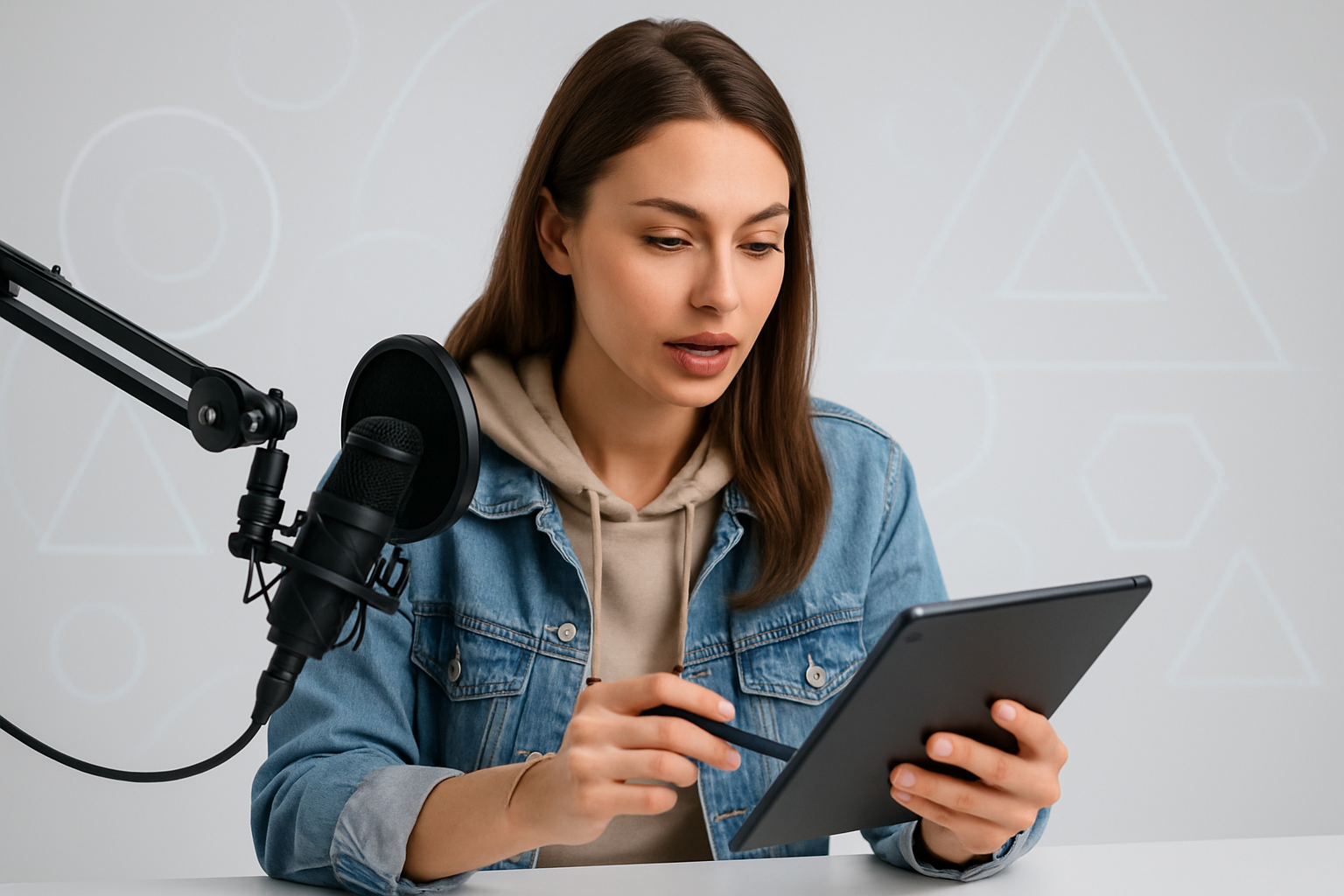
What is voice control in chat rooms, in simple terms?
It’s when a model can control the chat with her voice — turning on the camera, adjusting the lighting, and responding quickly — without touching the keyboard. On VibraGame, this is especially convenient in private chats when your hands are busy and you want everything to keep going without interruption.
How accurately does voice control work in a noisy room?
It works pretty well already. Some platforms are specifically optimized for typical background noise: music, breathing, and a slight hum. Accuracy is about 93 percent if the model speaks clearly. If she whispers or talks rapidly, it might not work as well.
Is it safe in private sessions?
Yes, if the platform is reputable. Voice recordings are encrypted, stored separately, and accessible only to the model and technical support in case of issues. The main thing is to avoid using questionable chat rooms.
Can you still use it if the model is shy about saying commands out loud?
Of course. Many people start with the simplest commands: “brighter,” “close-up.” They gradually get used to it. And you can always switch to text if you really don’t want to.
How long does it take to get used to it?
Usually 3–7 days. It feels unusual at first, but after a while, you can’t imagine how you ever worked without it. On many platforms, after a week, most models don’t want to go back to the old way.
Does this affect communication with users?
Only in a positive way. People see an instant response, communication becomes livelier, and there are no awkward pauses. Many say it feels “just like in real life.”
What commands do models use most often?
Controlling the camera, lighting, and music, plus quick replies to viewers. On good platforms, the top teams update their command sets every month based on statistics: they keep what works best.
What should you do if voice control suddenly stops working?
Check the microphone, restart the app, or quickly switch to text. In well-designed systems, there’s always a backup option. If it keeps happening, contact support.
Voice control in chat rooms is a really useful feature that makes models’ lives much easier and makes communicating with you much more lively and enjoyable. Choose platforms that already offer voice commands and hands-free control. You’ll notice the difference right away. Top tip: Start with the simplest features, don’t be afraid to get used to them, and in a couple of days you won’t want to go back to the old way of working. VibraGame has made this especially convenient — tailored to the real needs of models and viewers. Try it out and see for yourself.