
Do you know what really changes the whole atmosphere in a private chat? It’s not the camera, not the microphone, and not even what the model is wearing. It’s the lighting. With a regular light bulb, the image looks flat and boring. But when you have proper, smart lighting, the room suddenly comes to life: a warm, rosy twilight, soft transitions, and colorful accents at just the right moment. And the viewer isn’t just watching anymore — they’re completely immersed.
Models used to struggle: sometimes the light was yellow like in a hospital, sometimes there were dark circles under their eyes, and sometimes everything was just gray. But now, smart lighting lets you create any atmosphere in just a couple of seconds. VibraGame makes it easy to connect these systems so that the model looks her best and viewers truly enjoy the visuals.
Why smart lighting has become so popular
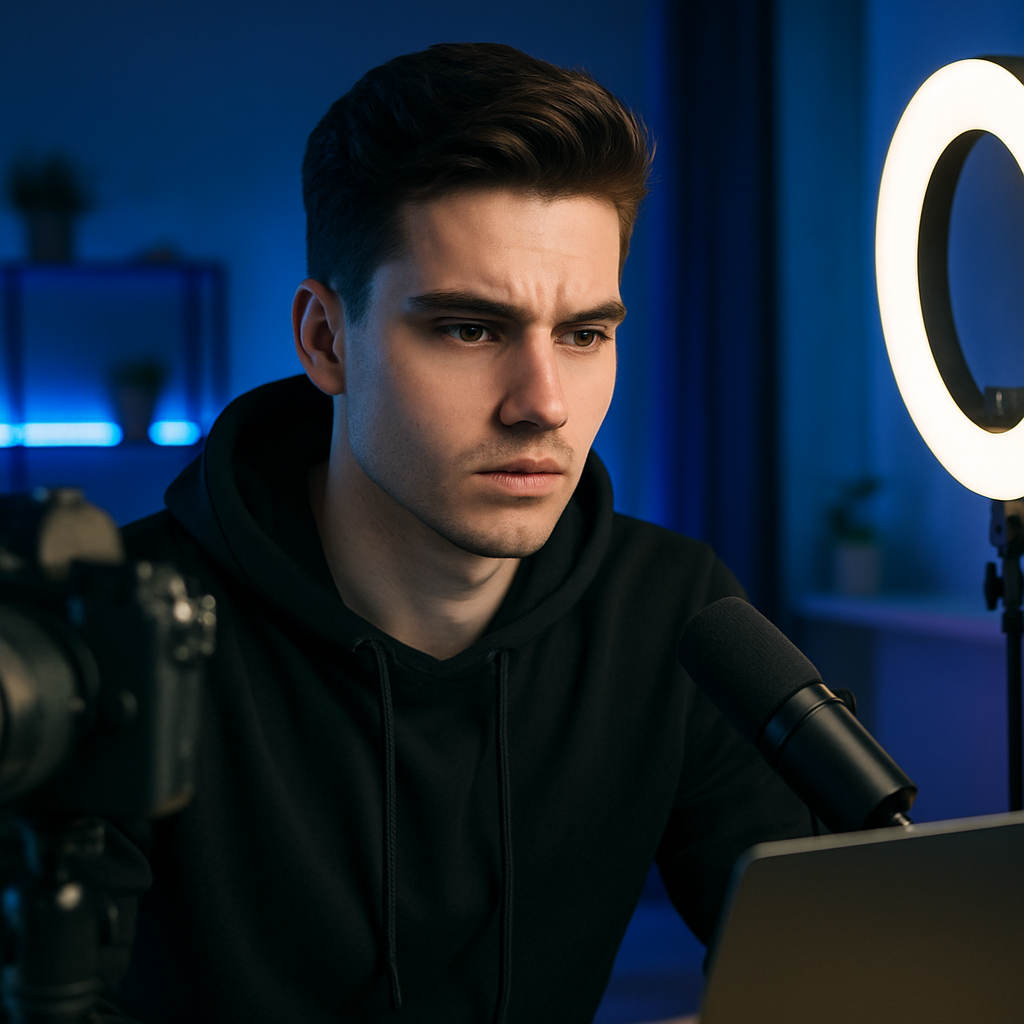
Lighting is half the battle when it comes to a successful stream. Poor lighting ruins even the most beautiful image: skin looks unnatural, details get lost, and the mood takes a serious hit. But when the lighting adapts to the action, the music, or simply the time of day, everything improves dramatically.
Automatic adjustment is a real lifesaver. In the morning, the system makes the lighting brighter on its own; in the evening, it makes it warm and intimate. Synchronizing the lighting with events in the chat takes it to the next level. A gift arrived — the room flashed red for a second. The streamer did something special — the light pulses softly. Viewers stay much longer when they see this.
Many models who’ve been streaming for a long time say the same thing: “After I set up proper smart lighting, my average session length increased significantly.” People feel the atmosphere and don’t want to leave. The platform offers convenient integration in this regard — you don’t need to be a tech whiz to set everything up.
Major Risks and Where You Can Go Wrong

Of course, things don’t always go perfectly. Sometimes you’ll buy lights from different brands — and they start doing their own thing: one flickers, the other doesn’t respond. Synchronization delays are also frustrating — the lights change a second too late, and the whole vibe is ruined.
Another problem is going overboard. Some people get so carried away with colored flashes that they turn the chat into a bright disco. Viewers quickly get tired of all the flashing. Plus, there’s the cost: a decent system isn’t cheap, and it’s not always clear right away if it’ll pay for itself. And then there are the technical glitches: the app freezes, the lights stay stuck in one mode, and you’re right in the middle of the most exciting part.
How to Set Up Smart Lighting Correctly
First, choose a system. Philips Hue, Yeelight, or Govee are great options to start with. Begin with three lights: a main light, a background light, and an accent light.
Connect them via the manufacturer’s app. This usually takes about ten minutes. Create a few preset scenes: “Gentle Evening,” “Passionate Red,” “Soft Pink.”
Link the lights to the chat. There’s a section for smart lighting in the studio settings. Once connected, the lights can react to gifts, the start of a private session, and other events.
Set up time-based automation. In the morning — brighter and more energizing; in the evening — warm and relaxing. The system will switch modes automatically.
Do a quick test before every important session. Start the stream and check how everything looks on camera. Sometimes there’s a big difference between what you see live and what appears on screen.
If something isn’t working right, update your apps and the lamps’ firmware. In 80% of cases, that’s exactly what fixes the problem.
Pros and Cons of Smart Lighting in Studios
Pros
- The atmosphere is created in seconds.
- Synchronizing the lighting with the action really gets the audience excited.
- Automatic setup saves time and reduces stress.
- The footage looks high-end and professional.
Cons
- It takes time to set everything up properly.
- There are sometimes delays and minor glitches.
- A good kit costs a fair amount of money.
- It’s easy to go overboard with the colors.
Common mistakes made by beginners
- They buy a bunch of different lights without checking compatibility.
- They turn on all the color modes at once — which quickly tires out the audience.
- They don’t test the lighting before an actual session.
- They forget to update their apps.
- They set the light too bright and end up with an overexposed face.
Start small. Two or three lights are plenty to see if this is even working. One girl said that after setting up proper, smart lighting, her income went up significantly — simply because the visuals became much more appealing. Another tip: ask your regular viewers what kind of lighting they prefer. They’re happy to offer suggestions and recommendations. And don’t try to pull off complicated setups right from the start — simple, warm lighting often works better than anything else.
Comparison of Smart Lighting Systems

| System | Chat synchronization | Automatic setup | Stability | Starting Price | Rating |
|---|---|---|---|---|---|
| Philips Hue | Excellent | Very convenient | High | Above average | 9.0/10 |
| Yeelight | Good | Convenient | Good | Average | 8.3/10 |
| Govee | Average | Simple | Average | Affordable | 7.5/10 |
| Standard bulbs | No | No | — | Low | 3/10 |
VibraGame is compatible with virtually all popular systems currently available.
FAQ — Frequently Asked Questions

How many lamps do I need to get started?
Three will be plenty to start with. You can gradually add more later.
Can I control the lights with my voice?
Yes, if you have Alexa, Siri, or Google.
Does the gift reaction feature work?
On VibraGame — yes, you can definitely set that up.
Does it use a lot of electricity?
Not really. LED lights are quite energy-efficient.
What should I do if there are delays?
Restart the lights and update the apps.
Can it be used in a small room?
Absolutely — they look really cool even in a small bedroom.
Do I need any special equipment?
No, just standard lights and a stable Wi-Fi connection.
Does VibraGame support smart lighting?
Yes, it integrates with most systems.
Smart lighting is no longer just a gimmick — it’s become a real work tool for top-notch studios. When the lighting syncs with the mood and action, the visuals become more vivid and captivating. Try setting up at least a couple of smart lights and see how the overall feel of your streams changes. Chances are, within a week you won’t want to go back to regular lighting. The key is to take your time and test everything before important sessions. That way, the lighting will work for you, not against you.