
Do you know what often determines whether you’ll stay in the room or close the tab after a couple of minutes? It’s the picture. Not the figure, not the movements, but specifically how clear and beautiful everything looks. In the past, if a model had a regular webcam and less-than-ideal lighting, the image would immediately become grainy, pixelated, and blurry around the edges. But now, neural networks and super-resolution are completely changing the game. AI takes an “average” video and makes it noticeably better — on the fly. Details come into focus, skin looks lifelike, and movements become smooth. This isn’t just a stream anymore — it’s almost like a real movie.
In modern live streams, this is always particularly striking. A model might be sitting under a single lamp in an ordinary room, yet you see a crisp, vivid image where everything is in its right place. No “laddering,” no soap-like blur. AI upscaling works so well that even 720p looks like full 1080p or higher. And this always drastically changes the entire experience of private chats.
So why has this become so important?
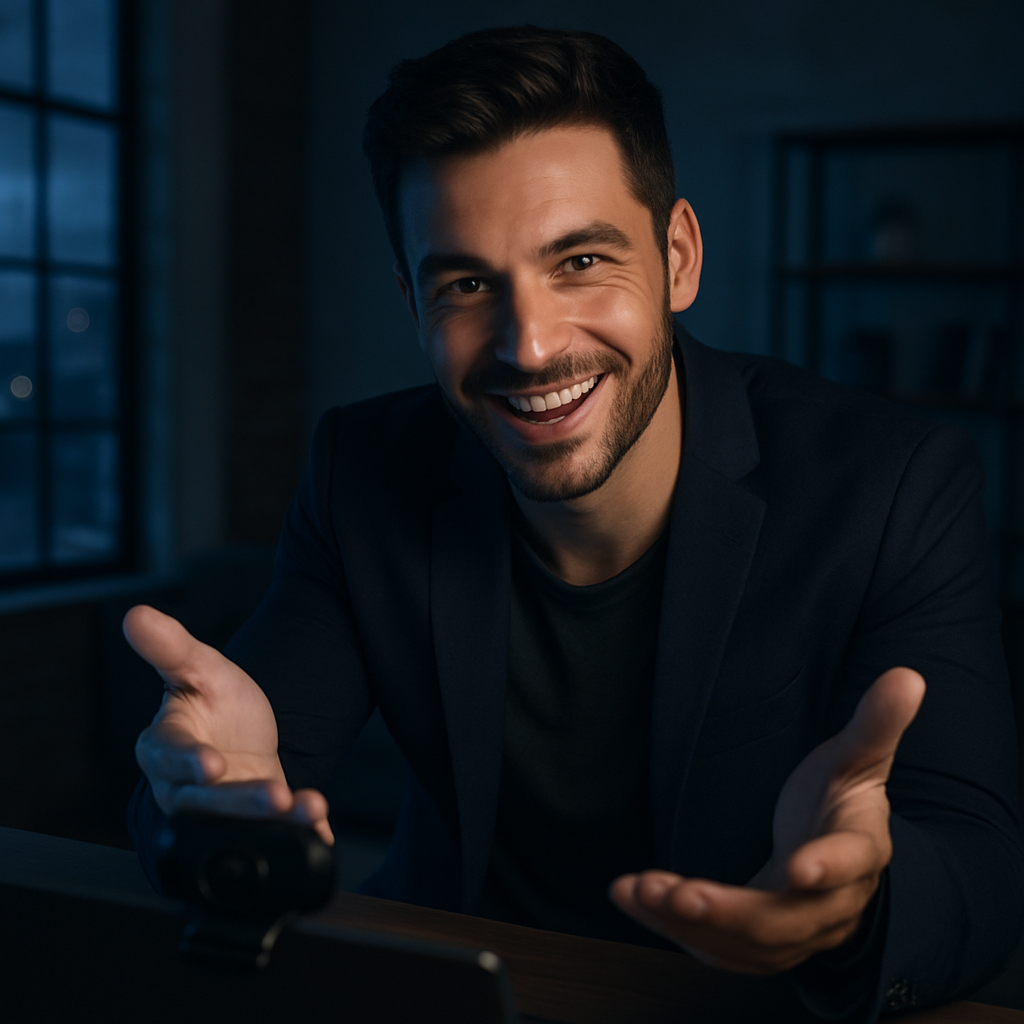
We’ve all become spoiled by quality. We watch 4K videos on YouTube, beautiful Instagram Stories, and when the video in a chat is choppy — we immediately want to leave and never come back. Neural networks for video enhancement solve this problem. The models can handle a wide variety of conditions, and viewers get to enjoy a clear, pleasant picture. Plus, your eyes get less tired, and sessions last much longer.
Without such technologies, things are pretty dismal. Streamers spend a fortune on lighting, cameras, and tripods, yet the results are still just average. Viewers quickly lose interest and switch channels. Private sessions end prematurely. Meanwhile, those who use neural networks are a cut above the competition.
Let’s break it down honestly: how to set this up correctly so that video enhancement works in real time and is a pleasure to watch.

First, choose a suitable neural network. Currently, the best results come from models specifically trained on webcam footage. They recognize human faces, skin, hair, and movements.
Next, configure the real-time processing. The AI must enhance every frame in a fraction of a second to avoid lag and stuttering. This is the most challenging part.
The third step is striking a balance between quality and performance. If you go overboard with super-high resolution, the computer running the model will start to overheat and slow down. You need to find the right balance.
The fourth step is adapting the content for viewers’ different devices. What looks good on a large monitor should also work well on a phone.
The fifth step is manual adjustment. The model can always tweak the settings a bit if the AI went a little overboard with skin smoothing or colors.
Advantages of Neural Networks for Video Enhancement
- A standard webcam produces near-studio-quality footage.
- Streamers save on expensive equipment.
- Viewers stay longer and enjoy the content more.
- Details (skin, eyes, movements) become much more noticeable.
- The overall chat experience is taken to a whole new level.
Cons
- It can lag significantly on low-end hardware.
- Sometimes the AI makes the skin look too perfect, like plastic.
- Requires good initial lighting — you won’t get great results in complete darkness.
- You need to update the models periodically so they don’t become outdated.
Common Mistakes
- People use cheap, generic filters instead of proper neural networks.
- They enable maximum enhancement and end up with a “soapy” image.
- They don’t test on viewers’ different devices.
- They rely entirely on AI and don’t make manual adjustments.
- They forget that naturalness is sometimes more important than perfect smoothness.
Start with a medium enhancement level and gradually adjust it. Always check the preview on different devices. Good lighting is still important — AI works better when there’s at least one decent light source. And don’t be afraid to tone down the effect sometimes — a slight, natural graininess can look sexier than a perfectly plastic look.
Here’s how different solutions work in practice

| Technology | Enhancement Quality | Processing Speed | Natural Look | PC Load | Best suited for |
|---|---|---|---|---|---|
| No AI | Basic | Maximum | High | Minimum | Beginners |
| Simple filters | Medium | Quick | Medium | Low | Regular streams |
| Good neural networks | High | Normal | Good | Average | High-Quality Chats |
| Advanced AI upscaling | Excellent | Stable | Very high | Above average | Professional live chats |
Modern chat rooms are already actively using these technologies, and this is immediately apparent from the image quality — even for models filming under ordinary conditions.
A couple more important practical tips
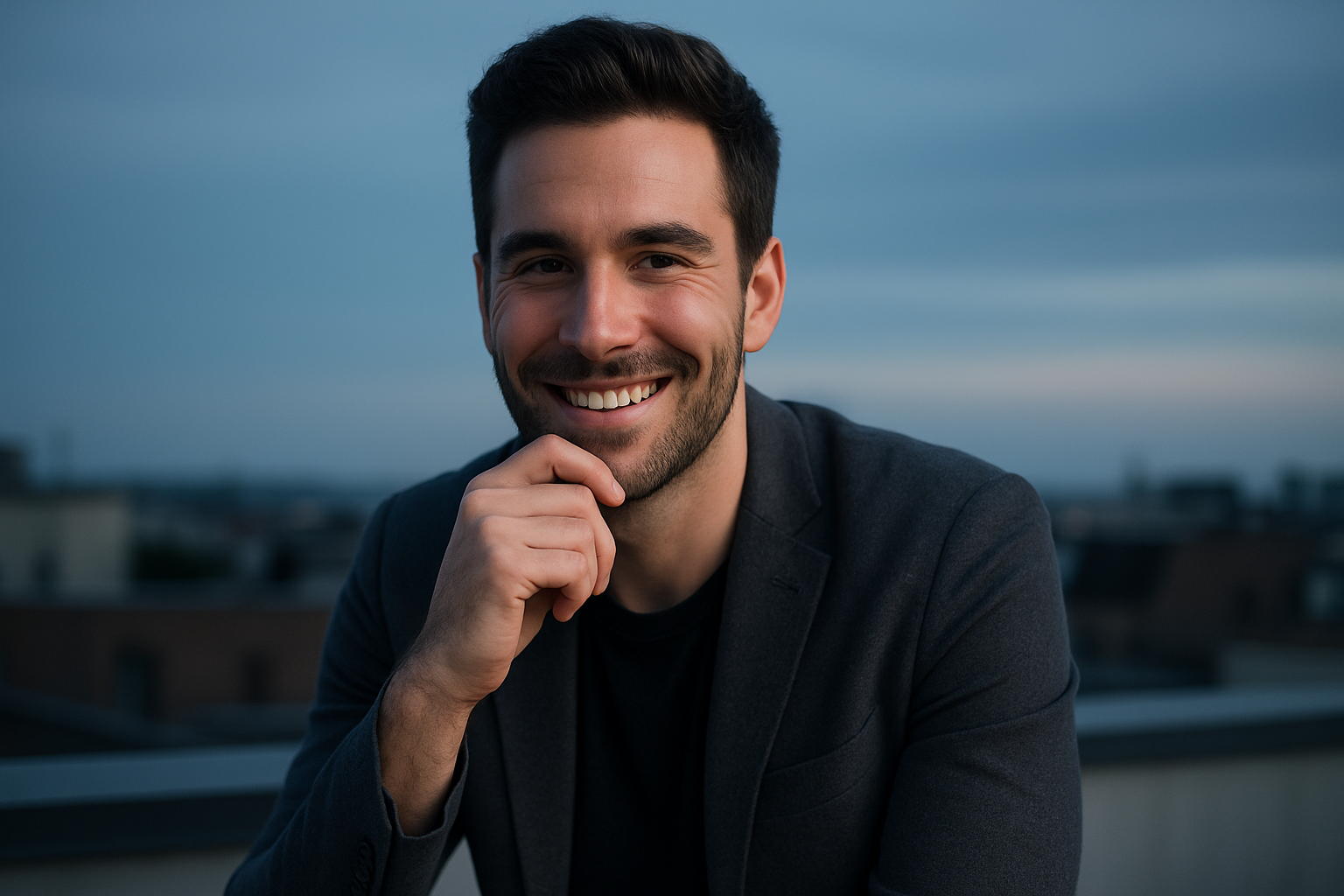
AI works best in medium lighting. Complete darkness or very bright light can produce some pretty strange results. Check periodically to see how your stream looks to your friends. And don’t chase after the highest resolution — sometimes 1080p with good upscaling looks better than 4K with artifacts.
For you as a viewer, the whole experience feels very pleasant. You walk into a room, and the picture is immediately clear, sharp, and natural. You don’t have to squint or guess where things are. Just watch and enjoy the conversation.
FAQ

What is AI upscaling in simple terms?
It’s when a neural network takes a regular video and “fills in” the missing details, improving the quality and resolution.
Can you get by without an expensive camera?
Yes. With good AI, even the simplest webcam can produce decent results.
Does this put a heavy load on the computer?
On an average laptop, it runs fine. On a weaker one, it might slow things down.
Can you turn off the enhancement?
In normal chat rooms — yes, there’s a manual mode.
Why does the skin sometimes look too smooth?
The AI went a bit overboard with the anti-aliasing. You can lower the level in the settings.
Does super-resolution work on a phone?
It does, but the effect is less pronounced than on a powerful PC.
How can you tell if a chat uses good AI?
The image is clear and natural, without significant blurring or pixelation, even when there’s movement.
Which is better — strong enhancement or subtle enhancement?
The happy medium. Too much enhancement makes it look plastic; too little results in blurriness.
Ultimately, we can see that neural networks for video enhancement are what truly elevate the quality of streams without huge costs. The model almost always looks great, and you, as a viewer, get a clear, pleasant image and a much more enjoyable experience. Choose streams where all of this is already in place. The difference is immediately noticeable and has a huge impact on your mood. Top tip: if the stream looks high-quality even under normal lighting, it’s most likely using proper neural optimization. Streams like that are definitely worth watching for a little longer.