
Do you know what used to give away a home broadcast more than anything else? It wasn’t a bad camera or even the lighting — it was the background. A closet, a bed, a pile of stuff behind her — and the whole atmosphere falls apart. The model is trying her best, but the viewer sees the mess instead of her. A green screen solved the problem, but who wants to live in a green room and struggle with lighting? Now, AI segments the background without a green screen so precisely that the background disappears in a second, while the model remains in focus. The image comes out clean and polished.
On these platforms, the model sits in a completely ordinary room, while the viewer sees minimalism, a beach, a dark loft, or anything else on their screen. The virtual background switches with a single click, and the background removal works flawlessly: hair doesn’t “break off,” and hands don’t disappear. AI Background does its job quietly.
Why is this in such high demand right now?

Not everyone has the space or money for a green screen with proper lighting. Viewers are already used to high-quality visuals from TikTok and Instagram — if the background in a chat looks like a basement, interest fades quickly. Background segmentation without a green screen solves this problem quickly and without unnecessary costs.
Main Risks and Challenges

- Models either film against a backdrop of real clutter or struggle with a green screen that wrinkles, is poorly lit, and requires a separate space.
- Viewers see an unappealing image and quickly lose interest.
- Those who try virtual backgrounds using outdated software end up with “ragged” hair, disappearing hands, and the impression of a cheap edit.
How to Properly Segment the Background

- The first step is to choose a good AI engine. The best results come from neural network-based models trained specifically on human silhouettes.
- The second step is to configure real-time processing. Background removal should occur with a delay of no more than 100–150 milliseconds.
- The third step is to choose virtual backgrounds: pre-made (minimalist, dark interiors, nature) or ones you’ve uploaded yourself.
- Step 4: Fine-tuning. A good system allows you to adjust the softness of the edges, remove artifacts around hair, and preserve semi-transparent elements.
- Step 5: Testing. Lighting, movement, clothing, and hairstyle — it’s worth checking all of these in advance.
Pros and Cons
Pros of green-screen-free background segmentation technologies: no need to buy or set up a green screen; you can film in any room; quick background switching during a live stream; the image looks clean and convincing; less prep time before the stream — more time for yourself.
Cons: May lag on low-end hardware; complex hairstyles and fine hair are sometimes processed imperfectly; some virtual backgrounds look artificial if chosen poorly; requires periodic calibration.
Common Mistakes
- Using outdated software with poor AI — this results in a “jagged” silhouette.
- Choosing backgrounds that are too bright or unnatural.
- Failing to adjust settings for your specific camera and lighting.
- Switching backgrounds too often — this tires viewers out.
- Forgetting to check how the video looks on mobile devices.
Technology Comparison

| Technology | Segmentation Quality | Speed | Complex Objects (Hair) | PC Load | Best suited for |
|---|---|---|---|---|---|
| Older programs | Poor | Slow | Poor | Low | Beginners without a powerful PC |
| Basic AI | Average | Normal | Medium | Medium | Regular Streams |
| Advanced AI background | Good | Fast | Good | Above average | High-quality live chats |
| Top-rated neural networks | Excellent | Very fast | Excellent | High | Professional models |
On platforms where this tool is already built-in — for example, VibraGame provides it to streamers directly within the streaming interface — the difference in image quality is immediately apparent.
Additional nuances
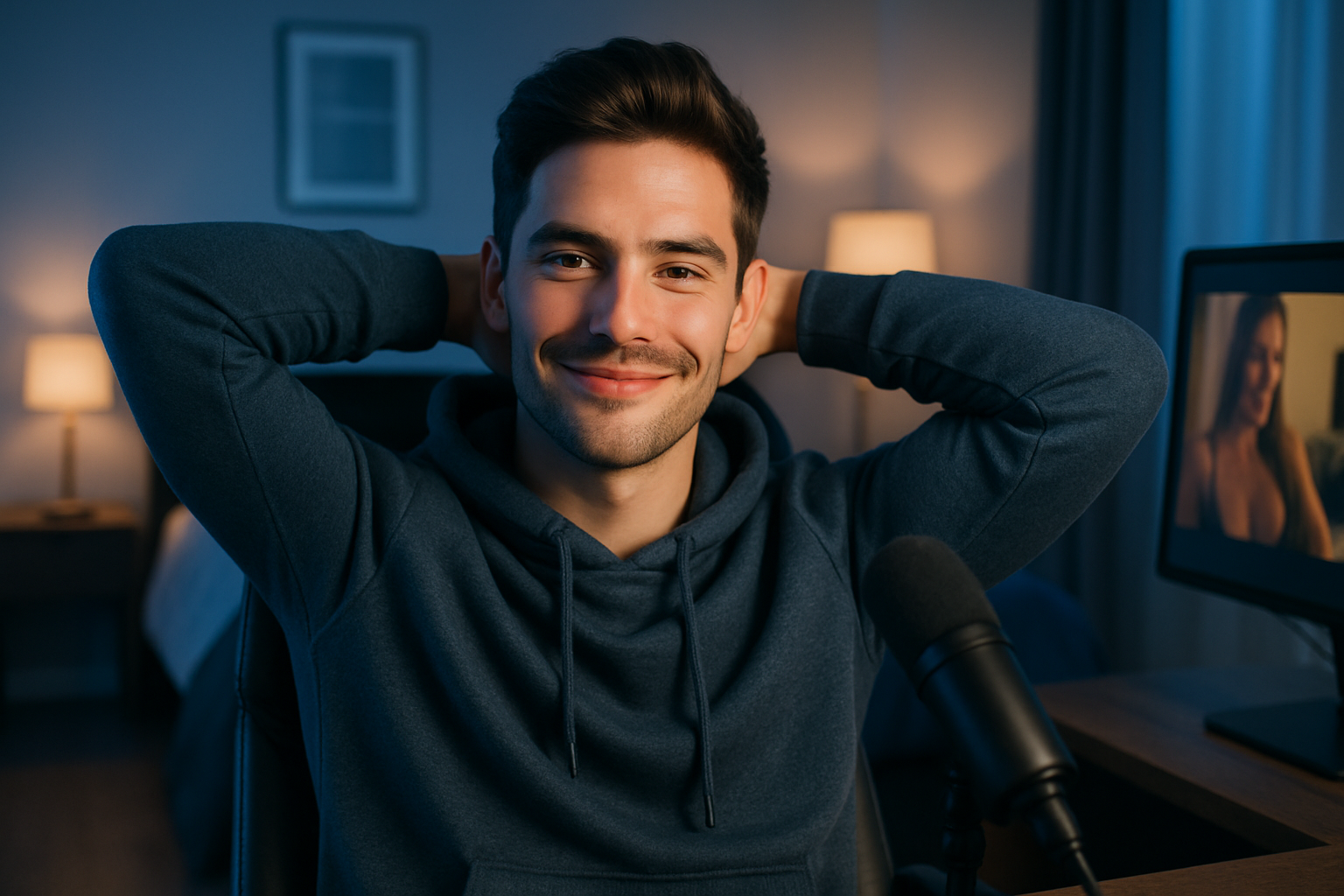
AI works best when there’s a small distance between the person and the background. Solid-colored clothing also makes the algorithm’s job easier. And it’s worth periodically updating the neural network model — technology changes quickly, and new versions process hair and silhouette edges with noticeably greater precision.
To the viewer, it all looks natural: the model is in a clean frame, with no distracting background. The viewer’s gaze stays where it should.
FAQ

What is background segmentation without a green screen?
It’s when AI automatically separates a person from the background and replaces it with any virtual background in real time.
Do you need a green screen for this?
No — that’s the whole point. It works with a regular background.
How much does this strain the computer?
It runs fine on an average laptop or a decent PC. On very low-end hardware, you might experience some lag.
Can you change the background during a live stream?
Yes, on high-end systems — with just one click.
Why does my hair sometimes look “disconnected”?
The AI isn’t quite perfect at handling fine or fluffy hair yet. The results improve with every model update.
Can I use my own photos as a background?
Yes, most modern systems allow this.
Does this work on a phone?
Yes, it does, but the quality and speed depend on the device’s processing power.
Which is better — a virtual background or a real one?
It depends on the room. If the background is clean and tidy, you can stick with a real one. If not, a virtual background saves the day.
Background segmentation technologies that don’t require a green screen eliminate one of the main technical headaches of live streaming. The image becomes cleaner, and viewers aren’t distracted by extraneous details. The main rule of thumb is simple: if the model looks neat and the background isn’t distracting, a standard AI background is the way to go. These kinds of streams are more enjoyable to watch.