
Do you know what most often ruins a private stream? It’s not the figure or the movements — it’s the picture. The light is yellow, there are dark circles under the eyes, the focus is blurry, and the skin looks hazy. Models used to spend hours fiddling with ring lights and manual settings. Nowadays, good chat rooms use automatic camera optimization: AI assesses the conditions on its own, adjusts the lighting, and brings out the details — so you see the model in natural, flattering light.
The model can sit under a single desk lamp in an ordinary apartment, yet on screen you’ll see a crisp image with soft lighting, accurate colors, and good detail. Automatic adjustment works every second, reacting to any movement and any change in lighting. This is no longer just a “camera as-is,” but full-fledged AI for the image.
Why This Matters
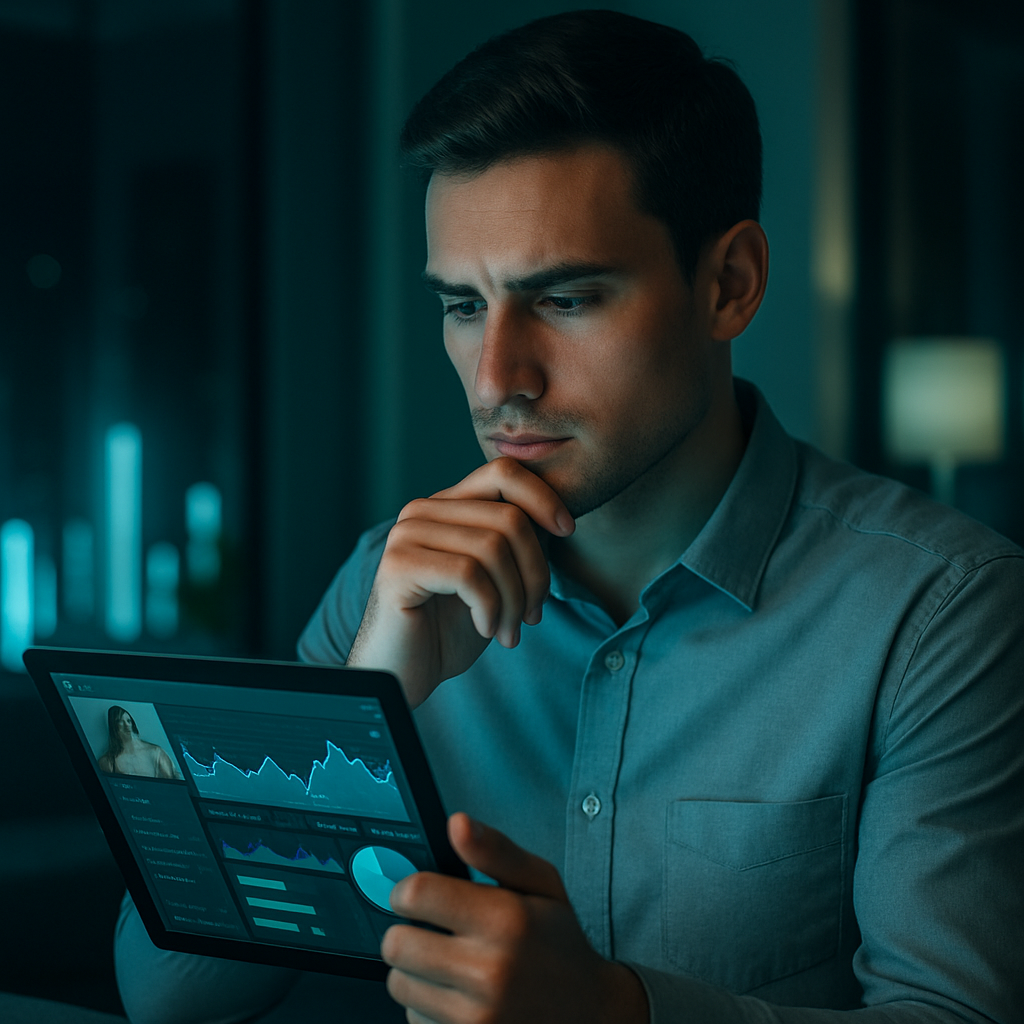
Viewers watch streams in the evening, at night, and under various lighting conditions. Some stream during the day by a window; others stream at night under a single light bulb. A camera that doesn’t adapt to lighting turns half of all streams into a dreary spectacle. When optimization works properly, the model looks natural and polished under any conditions. Viewers stay longer and are more likely to go to a private chat. It’s simple math.
Main Risks

- Models spend time and money on lighting, constantly tweaking the settings — and the result is still just so-so.
- Viewers see a poor-quality image and quickly leave.
- Poor quality strains the eyes after just a few minutes.
- The result: the model gets nervous, the viewer is disappointed, and the platform loses session time.
How Automatic Camera Optimization Works
The process consists of several sequential steps.
- Condition analysis. AI assesses lighting, color temperature, contrast, shadows, and highlights — dozens of times per second.
- Adaptation to lighting. Brightness in dark areas is increased, yellow tint is removed, skin tone is evened out, and details in shadows are enhanced.
- Camera adjustment. If the equipment allows it, the AI automatically adjusts exposure, white balance, saturation, and sharpness.
- Model-specific training. The system learns how this girl looks under different lighting conditions and, over time, adjusts with greater precision.
- Manual control. The model can always take control and tweak the settings if the AI has gone a bit overboard.
Pros and Cons
Pros of automatic camera optimization: the model looks beautiful in almost any lighting condition; there’s no need to buy expensive lighting; the image remains stable even when moving around the room; viewers see high-quality video and stay longer; there are fewer complaints about “poor quality” — and more compliments.
Cons: The effect is weaker on very old cameras; sometimes the AI makes the skin look too smooth — but this can be adjusted; it requires a decent processor on the model’s end; the neural network doesn’t yet perfectly understand all the nuances of lighting.
Common Mistakes
- Trusting the AI completely and not checking the results manually.
- Using cheap, one-size-fits-all filters instead of proper optimization.
- Failing to calibrate the system for your specific room and camera.
- Enabling overly aggressive correction — the face ends up looking plastic.
- Forgetting to update the algorithms.
Comparison of Optimization Levels
| Optimization Level | Adaptation Quality | Processing Speed | Natural-looking skin | PC Load | Best suited for |
|---|---|---|---|---|---|
| No AI (manual settings) | Low | Maximum | Depends on the model | Minimum | Beginners |
| Basic AI | Medium | Fast | Normal | Low | Regular Chats |
| Advanced Automatic | High | Good | High | Average | High-quality live chats |
| Full-featured AI with machine learning | Excellent | Stable | Very high | Slightly above | Erotic video chats |
Additional Tips
AI works best when there is at least one light source in front of you in the room. It won’t work in complete darkness. Periodically check the preview on different devices — what looks good on your monitor may look different to the viewer. On some platforms, such as VibraGame, the model can see her preview in real time and compare the image before and after correction — which is handy for precise manual adjustments. And don’t be afraid to turn off some of the correction from time to time: a slight natural look often appears more interesting than perfect smoothness.
For the viewer, it’s simple: you walk into a room — the image is immediately clear and natural. No need to squint, no need to think about the lighting. You just watch.
FAQ
What is automatic camera optimization?
AI analyzes the lighting and adjusts brightness, color, and sharpness on the fly to ensure the image always remains clear.
Do models need to buy expensive lighting?
Not necessarily. With good optimization, a regular light bulb is often sufficient.
Can I turn off AI correction?
In normal chats — yes. You can switch between automatic and manual modes.
Does this put a heavy load on the processor?
On modern laptops and PCs, it’s almost unnoticeable. On very old machines, it might slow things down a bit.
Does the lighting adaptation feature work on a phone?
It does, but the effect depends on the quality of your phone’s camera.
Why does the skin sometimes look too smooth?
The AI has over-corrected it. Lower the anti-aliasing level in the settings.
Can I use the optimization feature with an old webcam?
Yes, but the result will be noticeably worse than with a modern camera.
What should I do if the optimization isn't working well?
Update your camera drivers, check the lighting, and try different settings.
AI-powered automatic camera optimization really boosts stream quality without a big investment. The main rule of thumb is simple: if the model looks high-end under normal lighting, the automatic settings are working well. Choose platforms where this feature is already implemented. You’ll notice the difference from the very first seconds.