
A webcam can reveal information about what’s happening in front of the lens even without an account being hacked or a virus. Not through a password — but through how many milliseconds it takes to process a frame or how much energy the sensor consumes at a specific moment. These are known as side-channel attacks. In video chats, where privacy is critical, such vulnerabilities become a real problem.
Why This Matters Right Now
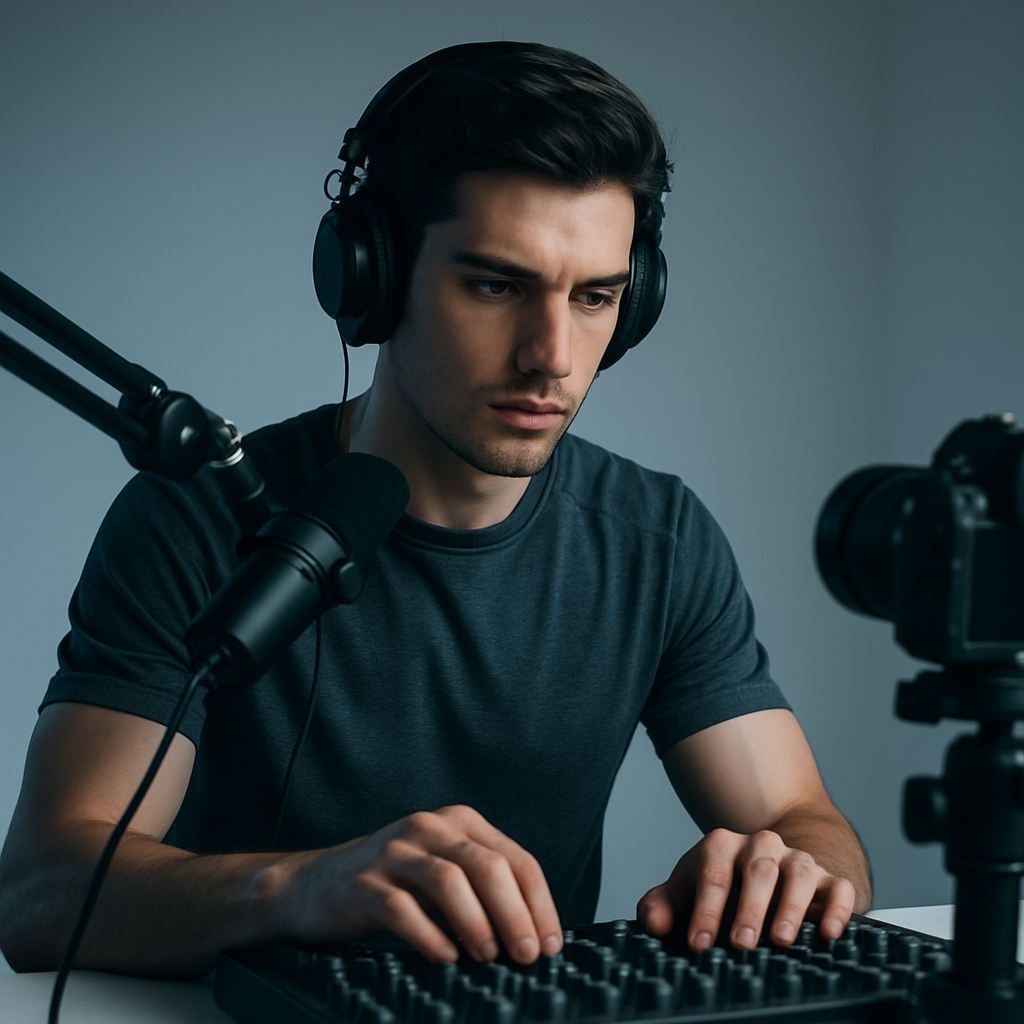
Side-channel attacks don’t break encryption directly — they listen for side signals. A timing leak: the camera takes a little longer to process a complex scene; the attacker measures the delays and uses them to reconstruct what’s happening in front of the lens. Power analysis works differently: a bright scene, active movement, or a static image — all of these change the sensor’s power consumption, and the power consumption graph can be used to piece together an image bit by bit. Research shows that up to 40% of modern webcam devices are vulnerable to at least one of these types of attacks.
In private video sessions, the cost of such a leak is particularly high. An attacker obtains information not because they hacked an account — but because they carefully “listened in” on the hardware. Real-world cases document precisely these instances of loss of privacy control.
What Are Side-Channel Attacks on Webcam Devices, in Simple Terms

A typical hack is like kicking down a door. A side-channel attack is when an attacker listens to the sound of a key turning or watches to see how much light is coming through a window. When it comes to webcam devices, it works like this:
- Timing-based leakage: The camera takes different amounts of time to process simple and complex scenes. These delays can be used to reconstruct details of what’s happening.
- Power analysis: the more movement there is, the more energy the sensor consumes. The power consumption graph provides information about posture, lighting, and the dynamics of the frame.
- Electromagnetic leaks: The device emits weak signals that can be picked up by a nearby device or a special antenna.
It sounds like science fiction — but it all works. In chat apps where the camera is constantly active, the risks increase exponentially. Built-in laptop cameras and inexpensive external models without any hardware protection are particularly vulnerable.
Key Risks
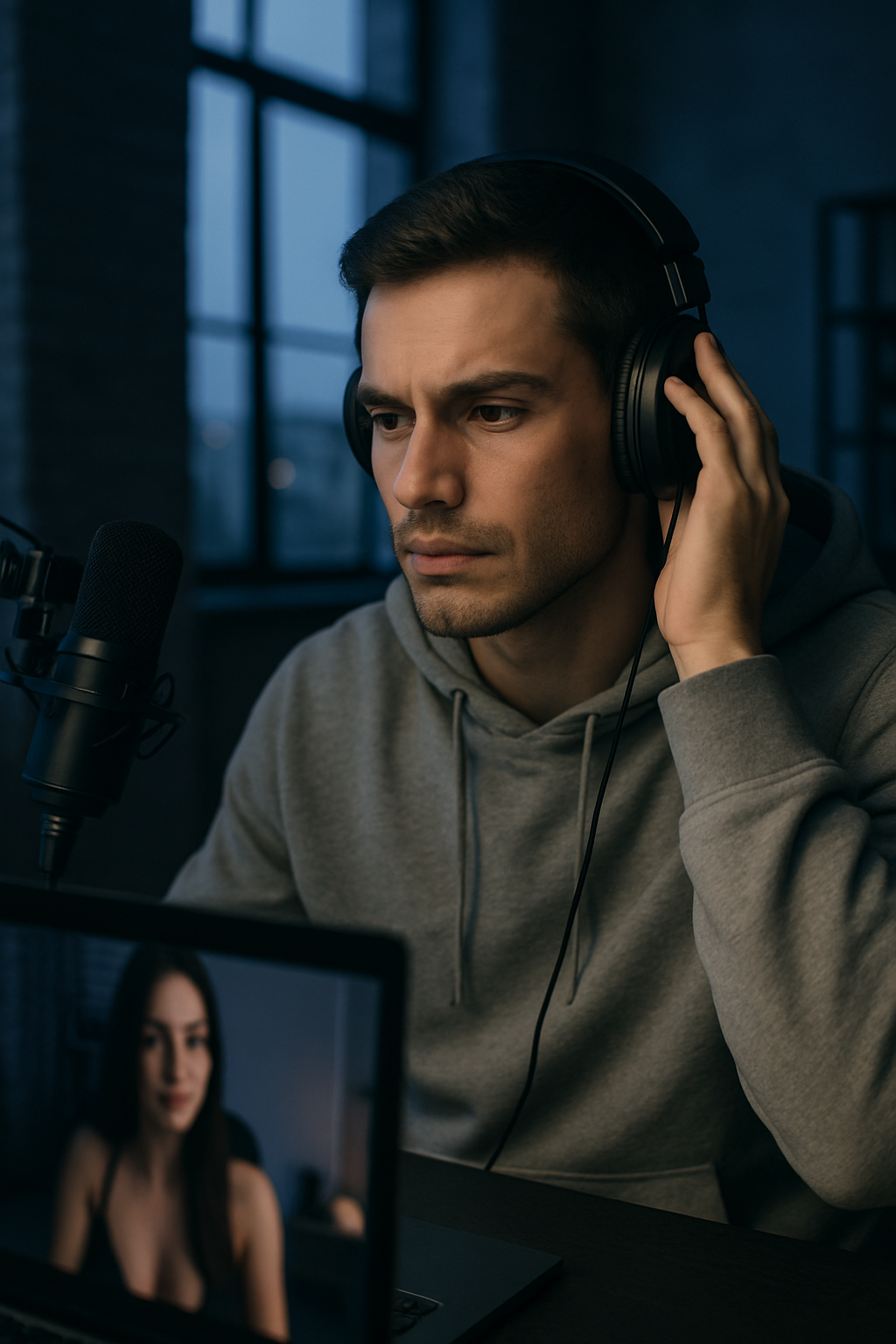
Without protection against side-channel attacks, the consequences can include:
- Loss of privacy: An attacker can determine not only that the camera is on, but also details of what is happening in front of it.
- Blackmail or data leaks — even without direct access to video files, the collected indirect data is sufficient for reconstruction.
- Attacks on other devices on the network: if a side-channel attack succeeds on a webcam, it often opens a path to the rest of the equipment.
- Psychological distress: People who have experienced such incidents admit that they can no longer turn on their camera without feeling uneasy.
Real-life example: A user of a popular chat app noticed strange delays in the live stream — it turned out that the camera was “leaking” data about what was happening in the frame via power analysis.
Pros and cons of protection against side-channel attacks

What protection offers:
- Complete peace of mind during private video sessions
- Protection of personal data
- Trust in the platform — users return specifically for the sense of security
- Less stress, more focus on communication
The downside is minimal. Sometimes there’s a slight increase in CPU load (a difference of a couple of percent), not all budget cameras support advanced security features, and you need to keep an eye out for updates. Given the real risks involved, this is insignificant.
Common user mistakes

- They use built-in laptop cameras without any additional settings.
- Ignoring driver and firmware updates — that’s where side-channel vulnerabilities are most often patched.
- They choose a platform based solely on the interface, without verifying its actual security.
- They leave the camera connected at all times, even when not in a session.
- They don’t check whether the platform uses constant-time video processing algorithms.
- They connect multiple cameras simultaneously without isolating them from one another.
- They think this is someone else’s problem — and end up unprepared.
The most common mistake is cutting corners on equipment. A cheap camera is almost always vulnerable.
How to Protect a Webcam Device from Side-Channel Attacks: A Step-by-Step Guide

- Step 1. Choose a platform with real protection. Look for mentions of constant-time video processing, power masking, and stream isolation. Some specialized services — such as VibraGame — implement this at the architectural level: each session is processed in a separate, secure circuit where timing and power consumption are intentionally “obfuscated.”
- Step 2. Update everything regularly — camera drivers, the operating system, and the browser. New versions patch known side-channel vulnerabilities. Once every couple of months is sufficient.
- Step 3. Switch to an external camera with hardware protection. Built-in laptop cameras are the most vulnerable category. A standalone camera with power consumption masking is more reliable. And physically disable it when you’re not using it.
- Step 4. Configure permissions precisely. Grant the chat app access only to the camera and microphone — nothing more. Unnecessary channels expand the attack surface.
- Step 5. Add a software layer of protection. Apps that introduce artificial “noise” into timing and power consumption don’t provide an absolute guarantee, but they significantly complicate analysis for an attacker.
- Step 6. Respond to anomalies. Strange delays in the video or unusual camera behavior are a reason to immediately exit the session and check the settings.
Comparison of Platforms for Protection Against Side-Channel Attacks

| Platform | Protection against timing leaks | Protection against power analysis | Recommendation for private video sessions |
|---|---|---|---|
| VibraGame | High (constant-time + masking) | High (hardware + software) | Real-time protection implemented at all levels |
| Zoom | Medium | Low | Suitable for regular calls, not for private sessions |
| Discord | Basic | Poor | Acceptable for game streams, risky for personal broadcasts |
| General-purpose browser-based chat apps | Depends on the browser | Often unavailable | Avoid for private conversations |
| Other adult platforms (intermediate level) | Varies | Often weak | Check reviews before using |
Frequently Asked Questions

What are side-channel attacks on webcam devices?
Attacks that gather information not directly, but through side channels: frame processing time (timing), power consumption (power analysis), or electromagnetic radiation. They allow attackers to reconstruct video details without compromising the stream itself.
How does a timing-based leak work in video chats?
The camera takes different amounts of time to process simple and complex scenes. An attacker measures these delays and uses them to reconstruct what is happening in front of the lens. This is especially dangerous in private sessions.
How dangerous is power analysis for webcams?
It’s seriously dangerous. Based on the power consumption graph, an attacker can determine the lighting, the intensity of movement, and the approximate content of the frame. In private streams, this gives the attacker an excessive amount of information.
Is it possible to completely protect against leaks via timing and power analysis?
Complete protection is difficult to achieve, but the risks can be minimized. Choose platforms with advanced security features, keep your equipment up to date, and use external cameras with hardware-based privacy protection.
What mistakes do beginners make most often?
They use cheap built-in cameras, ignore updates, choose a platform based solely on appearance, and leave the camera connected at all times. All of this significantly increases the risk of side-channel leaks.
Does protection against side-channel attacks affect video quality?
Virtually not at all. Modern methods introduce minimal latency that only an expert with specialized measuring equipment would notice.
What should I do if I suspect a leak through my webcam?
Immediately turn off the camera and exit all chat rooms. Update your drivers, change your passwords, and switch to a platform with reliable protection against side-channel attacks.
Leaks via timing and power analysis operate silently — but they can be blocked. Choosing the right platform, keeping drivers up to date, and using an external camera with hardware-based protection can block most attack vectors. The main rule here is simple: don’t skimp on security.