
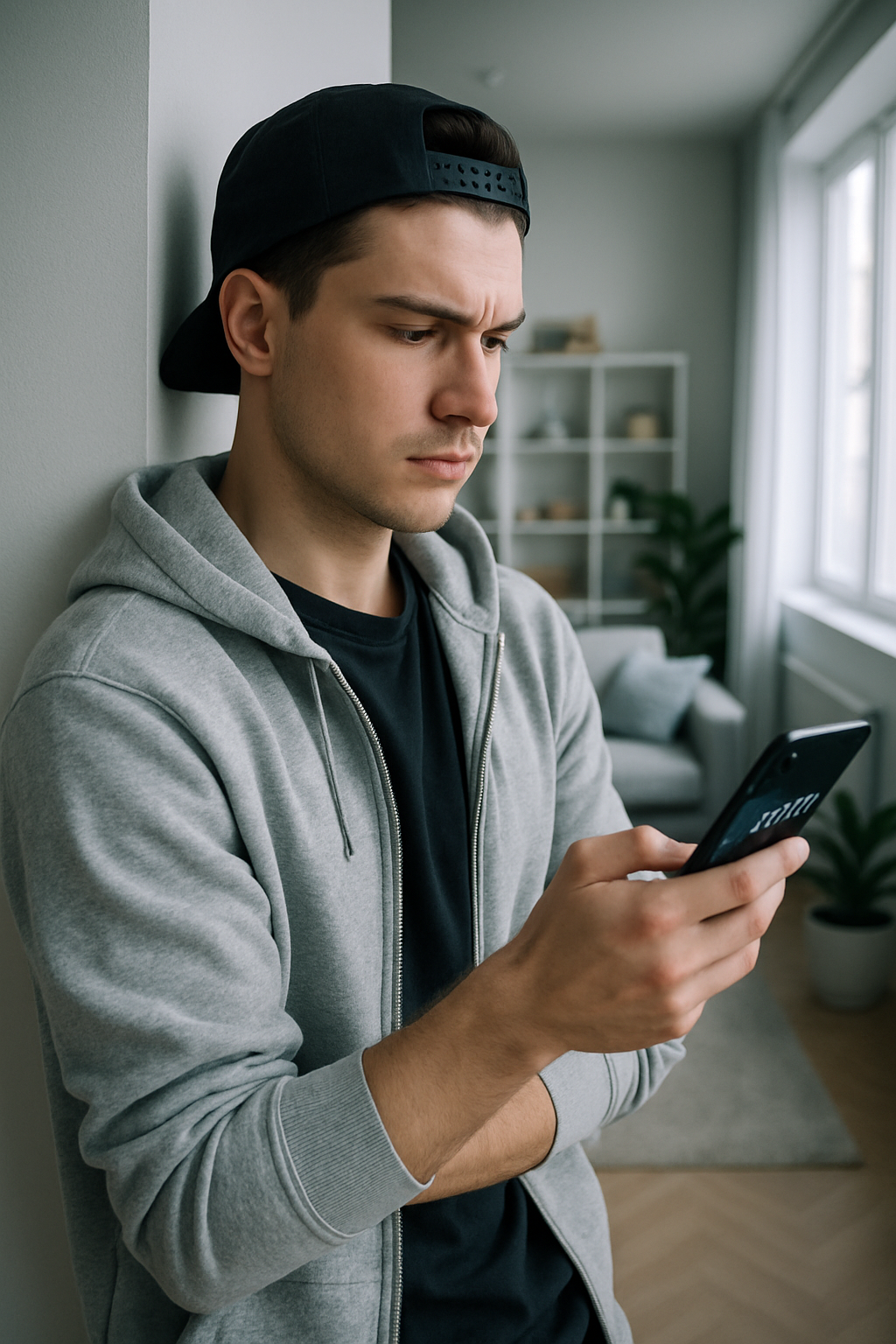
The session had just ended when suddenly my phone beeped: “Suspicious login from a new device.” My heart sinks. Security alerts exist precisely for moments like this — not out of paranoia, but because in active chat rooms, a single missed alert can lead to serious consequences. Below are real, no-nonsense steps — straight to the point.
Why This Matters

In live chats, an account isn’t just a profile. It contains chat histories, photos, payment information, and personal moments. If someone tries to hack in, setting up notifications for suspicious activity becomes your first line of defense. Imagine this: you’re in another city, but someone logs into your account from Moscow. Without alerts, this would go unnoticed. With them, you can immediately change your password and block the session. Account monitoring works like an alarm system: it’s better to have it and not need it than to regret not having it later. Users who ignore this section often share stories about hacked profiles and data breaches.
Risks and Dangers

Suspicious activity includes logins from an unfamiliar IP address, attempts to change your password, or a sudden spike in traffic on your profile. Proxies, phishing links, and weak passwords — all of these leave the door wide open. In private chats, the cost of a hack is particularly high: just one instance of unauthorized access — and your private conversations end up in the hands of a stranger. A telling example: a person was convinced they had “nothing important,” but a week later received screenshots of their own chats from an acquaintance.
Another problem is improperly configured notifications. They arrive too late, don’t arrive at all, or — conversely — spam you about every little thing — and the user simply turns them off. As a result, a real threat goes unnoticed. Setting up notifications for suspicious activity isn’t an optional feature — it’s a basic tool for anyone who values peace of mind in their chats.
How to Set Everything Up Correctly
Go to your profile settings — there’s usually a “Security” or “Notifications” section there. Look for the option regarding suspicious activity: it may be called “Login Alerts” or “Session Monitoring.” Enable everything related to new devices, password changes, and unusual behavior.
Step two — choose your delivery channels. Email, SMS, and in-app push notifications: it’s best to use several at once, but don’t overload yourself. Step three — set the sensitivity level. Start by setting it to the maximum, then adjust it to your preferences. Step 4: Enable two-factor authentication if you haven’t already — without it, alerts are only half as effective. Step 5: Regularly check the login logs in the account monitoring section — there you can see who logged in, when, and from where.
Pros and Cons

The pros are obvious: an instant response to threats, control over your account, and peace of mind during sessions. There are downsides, too: notifications can come at inconvenient times, the initial setup takes time, and setting the sensitivity too high turns your phone into a constant beeper. These are minor inconveniences compared to what happens without them.
Common Mistakes

The first mistake is to completely ignore the notifications section. The second is to choose only one notification channel — for example, email alone — which you rarely check. The third is to turn off notifications after the very first false alarm. The fourth is failing to read what the platform specifically considers suspicious activity: the criteria vary. The fifth, and most common, is using the same password for all services and hoping for the best. All five mistakes are easy to avoid if you spend half an hour setting things up just once.
Expert Tips

Comparing Platforms

| Platform | Level of Notification Customization | Notification Speed | Account Monitoring | Note |
|---|---|---|---|---|
| VibraGame | High | Instant | Full | Use all available options |
| Telegram | Medium | Fast | Basic | Works well as a backup channel |
| VK | Low | Medium | Limited | For testing only |
| Discord | High | Instant | Full | Good for group chats |
| Specialized adult chats | Average | Average | Partial | Complement with other tools |
Platforms vary significantly in terms of the depth of their settings — this is worth considering when making your choice.
Expert Opinions

There is no consensus among privacy experts on how many notifications are considered normal. Sergey Kovalev, a data protection specialist, puts it bluntly:
Security alerts are the foundation. Without them, any account monitoring becomes a useless piece of paper.
Other experts emphasize the importance of balance: notifications that are too frequent lead to a habit of ignoring them, and then real threats get lost in the noise. Both approaches agree on one thing — you shouldn’t turn off notifications entirely.
FAQ

Can I set up notifications about suspicious activity to go only to email?
Yes, but it’s better to use multiple channels — push notifications and SMS — for speed.
What counts as suspicious activity in chat rooms?
Logging in from a new device, attempts to change account information, or an unusual number of messages or views.
How often do security alerts come in when set up correctly?
Only when actual events occur — no more often than necessary.
Does configuring notifications affect the chat’s performance?
No, this is a separate feature and does not slow down the chat.
Can I temporarily disable notifications about suspicious activity?
Yes, but only if you know exactly what you’re doing and for how long.
What should I do if I receive a notification but don’t understand what it’s about?
Go to your account logs right away and check your recent sessions.
Are there any free ways to enhance account monitoring?
Basic alerts are free in most chat apps, but additional tools may require a subscription.
How can I check if my notification settings are working?
Try logging in from another device to see if you receive a notification.
Setting up notifications for suspicious activity is a practical tool, not just a precaution. Start with basic alerts, enable two-factor authentication, and check your logs periodically — and your account monitoring will run smoothly. It’s worth it for peace of mind in chat rooms.