
You’re sitting in a chat room one evening, relaxing and having a fun conversation with a girl who’s really caught your eye — and suddenly she starts prying for strange details or asks you to “verify your identity.” And now you’re not sure: should you send the info or block her right away? Protecting yourself from account theft through social engineering isn’t rocket science — it’s simply knowing how to avoid falling for a scam. The problem is that, at the crucial moment, emotions get the better of common sense.
Why is this important right now?

In adult chat rooms, everything revolves around intense emotions and trust. Scammers don’t hack servers — they manipulate your mind. They prey on your sense of urgency, pity, or arousal. One clever psychological trick — and your account is hacked, your money is stolen, and your private photos are circulating online. Many people have lost their accounts this way, without even realizing they were played like a fiddle.
Moderation on these platforms helps, but relying on it entirely is a bad idea. It’s better to be aware of common tactics yourself.
Risks That Lurk Every Day
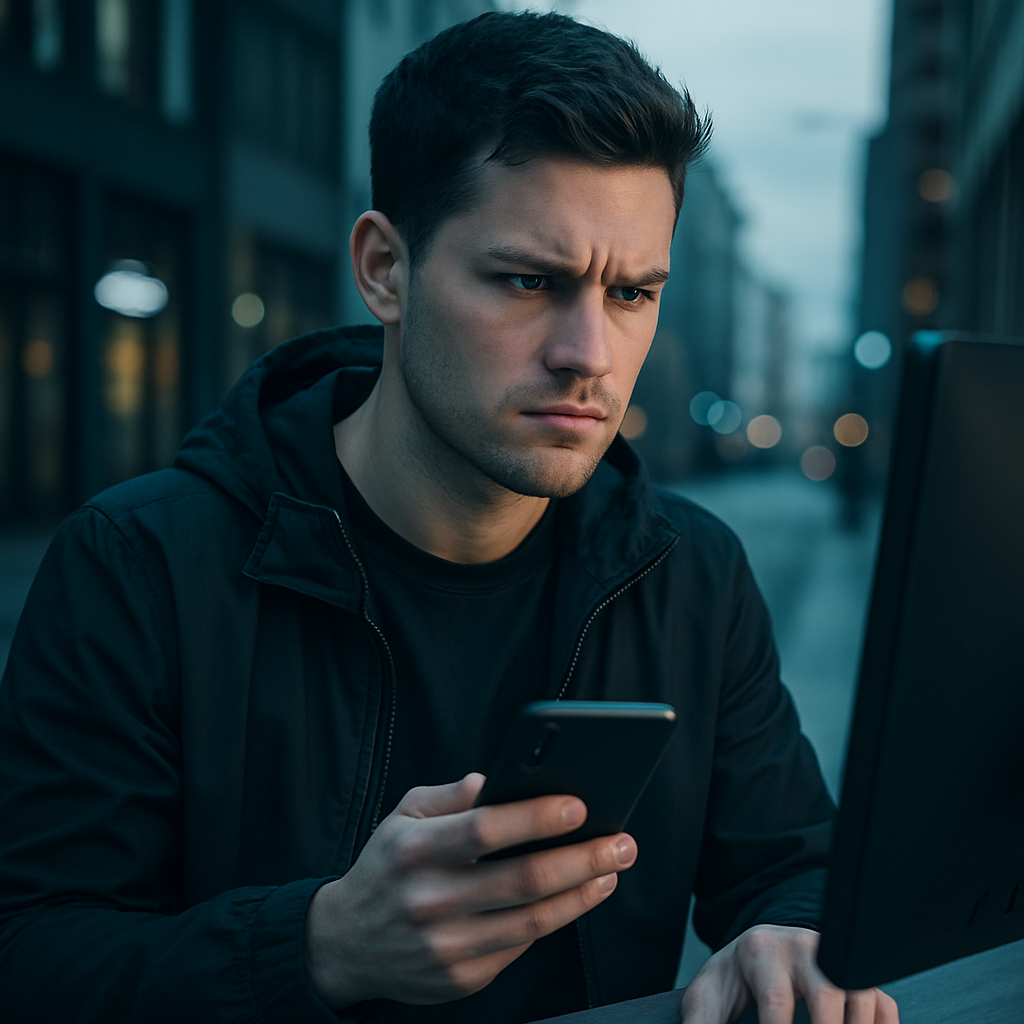
Social engineering is when the person on the other end simply talks to you in such a way that you voluntarily give them what they want — no viruses, no hacker attacks.
Here are the most common scams:
- A “girl” asks for a code from an SMS—“to send a gift” or “to confirm that you’re real.”
- Creates panic: “Hurry up, my account is about to get banned — verify yourself!”
- She plays on your sympathy: “I’m in big trouble — help me out a little, and I’ll pay you back later.”
- Pretends to be customer support and asks for your information “to recover your account.”
- Quickly redirects you to another messaging app or a fake page.
A friend of mine fell for an “exclusive video” and lost his account along with several thousand. A classic scam.
How to Really Protect Your Account

If you haven’t thought about this before — don’t worry. It’s easier than it seems.
First, enable two-factor authentication wherever possible. It’s better to use an app rather than SMS.
- Step 1. Never send verification codes if someone asks for them in a chat. Never.
- Step 2. If the person you’re chatting with moves too quickly to personal questions or asks for something strange — block them immediately.
- Step 3. Don’t click on links in the chat. Always check any link in a separate window.
- Step 4. Create a separate account for private chats — don’t use your main one.
- Step 5. Change your passwords once a month and check for active sessions.
Pros and Cons

The pros are obvious: the account is much harder to hack, there’s less stress, and you sleep soundly. The only con is that sometimes real girls get caught up in the heat of the moment, and you end up turning them down before it’s time. But that’s definitely better than regretting it for months afterward.
Common Mistakes

- They think: “Well, she’s cute — what’s the harm?”
- They send the code “quickly, before it’s too late.”
- They reveal too much about themselves right at the start of the conversation.
- They use the same password for everything.
- They ignore red flags because “it’s a shame.”
Stop doing these things — and you’re halfway there.
A few more rules to follow:
- Ask follow-up questions if anything seems off.
- Never send screenshots of codes.
- A quick switch to “private” is almost always a scam.
- Use a password manager.
- After a long chat session, check your account for any suspicious activity.
Signs that should immediately raise a red flag:
- A request to send a code from an SMS.
- Too many compliments in five minutes.
- An attempt to lure you to another messaging app.
- Stories about a difficult life and requests for help.
- Pressure to act quickly: “Hurry, before it’s too late.”
Comparison of protection methods

| Protection method | Effectiveness | Convenience | Complexity | For Beginners |
|---|---|---|---|---|
| Two-factor authentication via an app | Very high | High | Medium | Yes |
| Separate account | High | Medium | Easy | Yes |
| Password manager | High | High | Medium | Yes |
| Verification of the other party | Medium-high | High | Easy | Yes |
| Block on First Suspicion | High | High | Mild | Yes |
FAQ

How can I tell if I’m being scammed?
If someone asks for codes, screenshots, or suggests you go somewhere — it’s almost always a scam. Real girls don’t do that.
Is it possible to protect yourself completely?
Not completely, but you can significantly reduce the risks. The key is to stay vigilant and be mindful.
Does this happen often on platforms like VibraGame?
Yes, just like on any major chat service. Scammers get banned there fairly quickly, but you shouldn’t rely on that alone.
What should you do if your account has already been hacked?
Contact support immediately, change your passwords everywhere, and re-enable two-factor authentication.
Does two-factor authentication help?
Very much so. If you don’t send the code, the scammer simply won’t be able to do anything.
Why do people fall for this so easily?
In chat rooms, we let our guard down and want to believe the best. Emotions often cloud our judgment precisely when we need it most.
Protecting yourself against account theft through social engineering is a matter of making it a habit to think before you act. A couple of seconds to double-check — and peace of mind for a long time to come. Start with two-factor authentication and the rule: “Never share codes at someone else’s request.” Don’t let your emotions cloud your judgment.