
If you often visit VibraGame on your smartphone, you’ve probably noticed that the experience feels completely different. The screen is much smaller, you use your finger instead of a mouse, and notifications keep popping up. And viewer behavior on a smartphone is nothing like it is on a computer. Some people open the app for five minutes on the subway; others get hooked for an hour before bed. Mobile analytics show this difference quite clearly. And if you’re a streamer or just know these chat rooms well, it’s worth understanding exactly how people behave on their phones. It really changes your approach to the show.
Here’s the thing. The VibraGame mobile app isn’t just a scaled-down version of the website. Viewers behave differently here. They tend to open the chat for shorter sessions, log out and log back in more often, and respond to notifications more frequently. Behavior on a smartphone is always more impulsive. Someone sees a push notification saying “Your favorite model is online” — and immediately logs in. On a desktop, things are more relaxed: people sit down at their computers, choose a room, and stay longer. A comparison with desktop usage shows that while the average session on a phone is shorter, the number of visits per day is higher. This data helps you recognize this trend and use it to your advantage.
Why is this so important? Because more and more people are watching streams specifically on their smartphones — in morning traffic, in bed at night, or during a break at work. If a streamer doesn’t understand smartphone behavior, they lose an entire audience. Mobile viewers want quick access, a user-friendly chat, and fast responses. If the show drags on or the interface is clunky, they’ll simply close the app. And the statistics show exactly where people are dropping off. Streamers who take this difference into account get more airtime from mobile viewers and, as a result, more donations. This isn’t just theory. It’s a very real difference in behavior.
Why This Matters Specifically to You
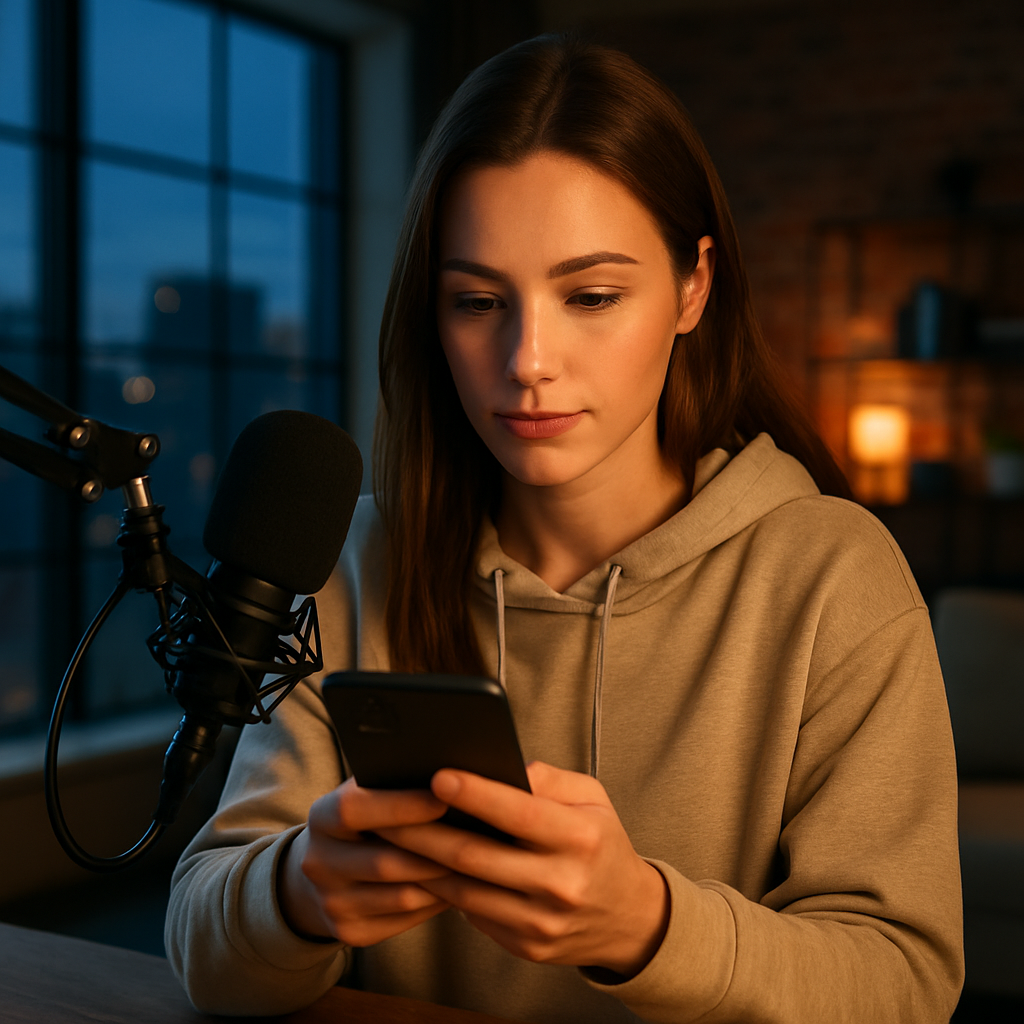
Now it’s important to mention the risks. There are plenty of them, and they hit mobile viewers the hardest. The first is ignoring short sessions. On their phones, people often tune in for 3–7 minutes. If nothing interesting happens during that time, they leave and never come back. Second, failing to account for the time of day. Mobile analytics show that peak mobile viewership occurs in the morning and late evening. If a streamer only goes live during the day, they miss out on a huge portion of their audience. Third, an inconvenient chat. It’s hard to type long messages on a small screen, so viewers on smartphones tend to use stickers and reactions more often. If you don’t respond to them quickly, people feel ignored. Fourth, forgetting about notifications. Many viewers on their phones have push notifications turned on. If a streamer doesn’t go live at a time that’s convenient for them, they’ll simply turn off notifications and forget about the chat. Fifth — failing to analyze data. The platform provides separate statistics for mobile and desktop viewers. If you don’t track your audience, you’re losing money.
Common risks

- Ignoring short sessions
- not taking the time of day into account
- an inconvenient chat
- Forgetting about notifications
- Failing to analyze data
How to Use Mobile Analytics Correctly and Account for Smartphone Behavior
First, go to your VibraGame statistics and break down the data by device. Check how many percent of your audience comes from mobile devices and how many from desktop computers. See how much time they spend online. This is mobile analytics in its purest form. Without these numbers, you’re just guessing.
Second, adjust your schedule to suit mobile viewers. Statistics almost always show that people are more active on smartphones in the morning (7–9) and late at night (22–00). If you used to stream only during the day, try shifting your schedule. Many streamers see a 20–30 percent increase in viewers simply by changing their schedule.
Third, make your show more dynamic for mobile viewing. Long monologues are very tiring on a small screen. It’s better to have short, lively moments, games, and quick reactions to stickers. Viewers on smartphones love it when everything happens quickly and vividly. They can watch with one hand while riding public transportation or lying in bed.
Fourth, use notifications wisely. Send push notifications only when you’re actually starting something interesting. Don’t spam. Mobile analytics show that notifications that are too frequent cause people to turn them off. But when a notification arrives at the right time with an enticing message, people open it right away.
Fifth — analyze exactly what attracts mobile users. Which games do they launch most often? Which messages do they respond to with stickers? At what moments do they stay longer? This data is available in mobile analytics. Use it — and smartphone behavior will start working in your favor.
Sixth — compare smartphone and desktop behavior regularly. Once a week, check: Has the number of mobile sessions increased? Have they gotten longer? If so, you’re on the right track. If not, change your approach. That’s what working with data in real time is all about.
Seventh — don’t forget about usability. On a phone, it’s important for the chat box to be large, the buttons to be big, and everything to be clear at a glance. If a viewer on a smartphone can’t quickly figure out how to send a donation or turn on the camera — they’ll simply leave. Mobile analytics will show exactly where people get lost.
Eighth — focus on repeat visits. Mobile viewers are more likely to leave and come back. Take advantage of this: when someone visits for the second time that day, greet them personally. They’ll feel that you remember them and will stay longer. It’s a small thing, but statistics show that such details significantly impact session duration.
Pros and Cons of Working with a Mobile Audience
- Pros: More viewers at times that are convenient for them, Higher visit frequency, Easier to attract impulse donations, Opportunity to grow during morning and evening peaks, Mobile viewers often become loyal
- Cons: Shorter sessions; you need to constantly hold their attention; you need to update content more frequently; it’s easy to overdo notifications; it’s much harder to show details on a small screen; higher churn if the show drags on too long
Common Mistakes
- The most common mistake is streaming only at times that are convenient for you, rather than for mobile viewers.
- The second is ignoring short sessions and failing to hook viewers within 3–5 minutes.
- The third is spamming viewers with notifications.
- The fourth is failing to track statistics separately for mobile and desktop viewers.
- Fifth — making the show too slow-paced for mobile viewing.
- Sixth — forgetting that people often watch and tap buttons on their smartphones with just one hand.
Platform Comparison

| Platform | Share of Mobile Viewers | Average session length on mobile | Notification effectiveness | Mobile Analytics Support |
|---|---|---|---|---|
| VibraGame | High, around 65–70% | 7–12 minutes | Good when used correctly | Excellent, detailed charts |
| Chaturbate | Average, about 55% | 8–10 minutes | Average | Good |
| Stripchat | High | 6–11 minutes | Good | Good |
| BongaCams | Average | 5–9 minutes | Average | Basic |
Additional Tips
If the stats show that people often drop off at the 4–5-minute mark, try launching a game or a highlight at that point. This really grabs their attention. On mobile, quick responses to stickers and short, personal messages work well. Mobile viewers love feeling like they’ve been noticed right away. And one last thing: don’t forget that many people watch on their smartphones in public places. So the show shouldn’t be too explicit in the first few minutes — people might close the app if they’re worried someone will see it.
FAQ

What is mobile analytics, and why is it needed on VibraGame?
It’s data on how viewers behave within the smartphone app: how much time they spend there, when they log in, and what they respond to. Mobile analytics helps you understand smartphone behavior and increase engagement.
Why does viewer behavior on a smartphone differ from that on a desktop?
On phones, sessions are shorter; people tend to log in more impulsively, respond to notifications more frequently, and get bored more quickly. A comparison with desktop shows that smartphone usage is more dynamic and unpredictable.
How can you use mobile analytics to increase donations?
Monitor peak times for mobile visits, adjust your schedule, make your show more dynamic, and respond quickly to stickers. This increases session duration and the likelihood of donations.
What mistakes do streamers with a mobile audience make most often?
They stream only at times that are convenient for them, ignore short sessions, spam viewers with notifications, and fail to make their shows dynamic. All of this reduces mobile viewers’ interest.
Is it possible to increase the number of mobile viewers?
Yes. Simply shift your stream times to coincide with morning and evening peak hours, include quick games, and thank viewers more often for their stickers. Mobile analytics will show you exactly what works.
Does the mobile app affect how long a viewer stays in the chat?
Yes, it has a significant impact. On a smartphone, the average session is shorter, but if the show hooks viewers within the first few minutes, they’ll stay longer than expected. That’s the key to success.
How often should you check your mobile analytics?
At least once a week. Monitor changes in the percentage of mobile viewers, session length, and peak hours. This helps you adapt to smartphone behavior in a timely manner.
Viewer behavior in the VibraGame mobile app differs significantly from desktop use — sessions are slightly shorter, but there are more visits. Mobile analytics help you understand these nuances and tailor your show for smartphones. Top tip: Analyze data by device, adjust your schedule to align with mobile peak times, and make your content more dynamic — that way, mobile viewers will stay longer and generate significantly more donations.