
The same stream, the same model — but the numbers were drastically different. In one case, people stayed for 25–35 minutes, chatted, and sent tips. In the other, they left after 7–10 minutes. The only thing that changed was the background music. The impact of music on a stream’s atmosphere is no joke — it’s a direct correlation with metrics that’s easy to verify.
Why this matters specifically to you
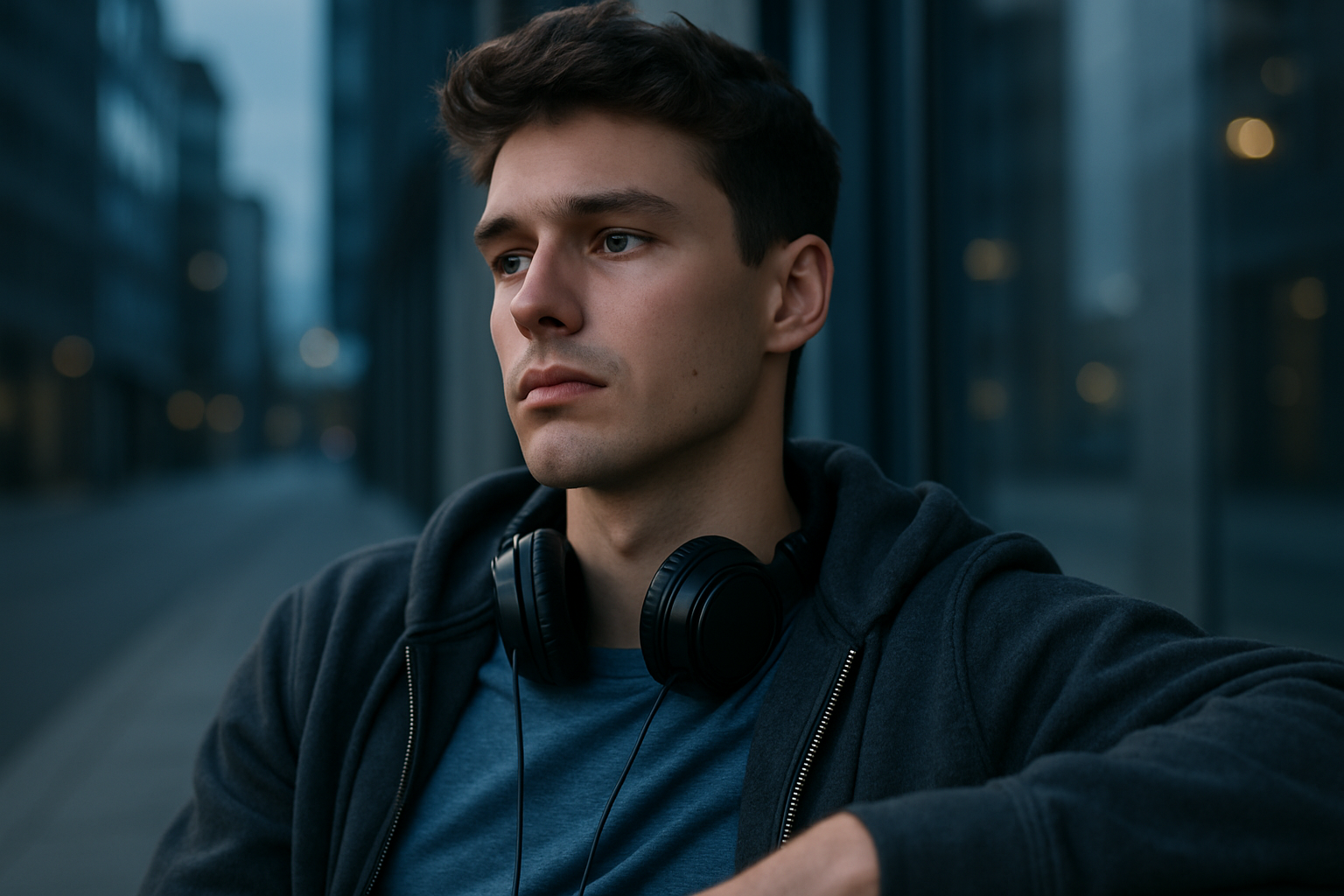
Viewers have long since stopped coming just to watch — they’re looking for an atmosphere. The kind that gives you goosebumps, makes you want to type something in the chat, and stay for another five minutes. Background music acts as an invisible hook here: the right tracks for the chat keep viewers engaged, while the wrong ones push people out of the room before they even realize it.
Time spent in the room increases, the chat comes alive, and donations flow more readily. The difference between a successful and an unsuccessful playlist, in numbers, is sometimes three to four times the session duration. This isn’t just theory.
Common risks
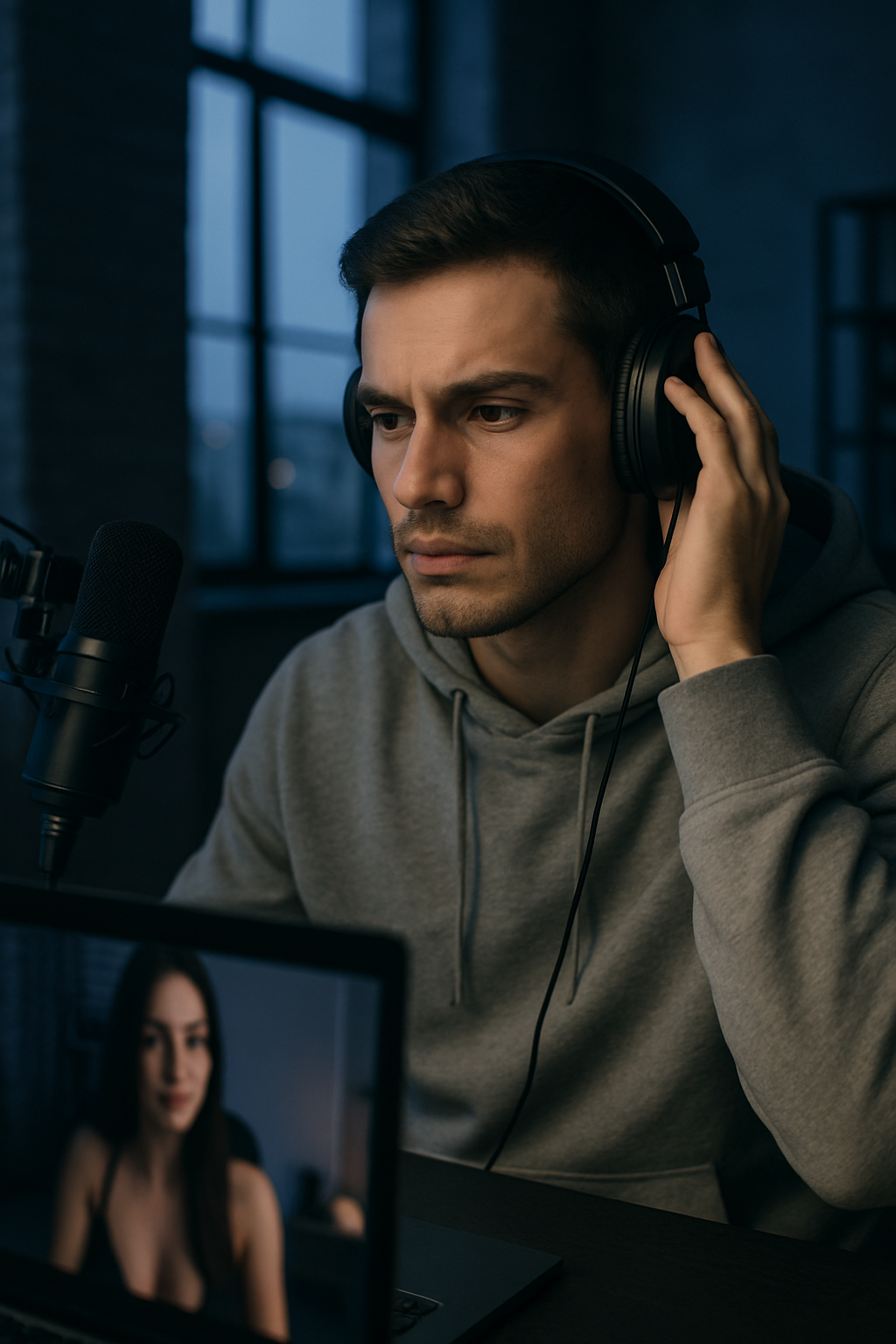
- If the volume is too high, the viewer can’t hear the voice.
- Tracks with lyrics — attention shifts to the words instead of the screen.
- A melody that’s too calm — the energy of the stream drops and doesn’t recover.
- A track suddenly cuts off in the middle of a climactic moment — the mood falls apart.
How to Use Background Music Effectively
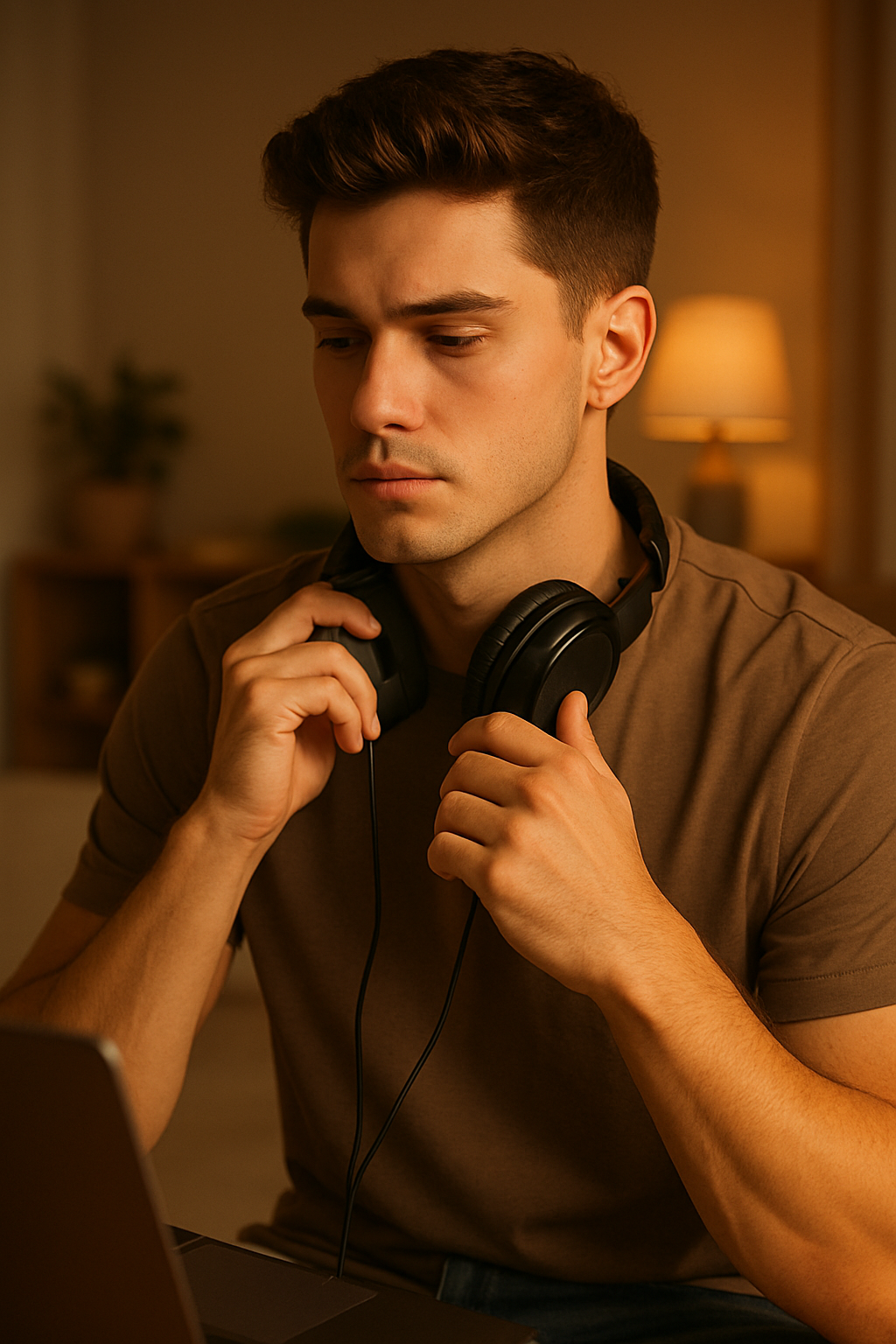
First things first — your audience. At night, people come to relax; during the day, they want something more lively. Choose tracks based on this.
Next, test it out: one stream with sensual lounge, the next with rhythmic deep house. Record the results — after just a few streams, it’ll become clear what resonates with your specific audience.
Keep the volume low — use it as background music, not at full blast. Music in your streams should set the mood, not drown you out.
After each stream, review the metrics: how much time viewers spent watching, how often they commented, and how many donations were received. This is where you’ll see the real connection with the metrics.
Benefits of Good Background Music
- Viewers stay longer
- The stream’s atmosphere feels more lively
- It’s easier to evoke and sustain emotions
- The chat is more active
- Repeat visits increase
Cons
- Selecting tracks takes time
- The audience’s personal preferences and tastes often differ
- Copyright risks
- Playlists need to be updated regularly
Common Mistakes
- They include hits with lyrics — which draws attention to the words.
- Failing to control the volume: one moment it’s quiet, the next it’s suddenly blaring.
- They use the same playlist for months on end — people get used to it and stop reacting.
- They don’t adjust the music to what’s happening on camera.
Comparison of Platforms
| Platform | Music Management | Analytics | Sound Quality | Track Freedom |
|---|---|---|---|---|
| VibraGame | Extensive Settings | Detailed | Good | Large |
| Other | Basic tools | Basic | Medium | Limited |
FAQ
What kind of music should I play at the beginning of a stream?
Calm and atmospheric music — so viewers can relax and stick around.
Can I play tracks with lyrics?
Yes, but be careful. If the lyrics are too catchy, they’ll draw attention away from the stream.
How often should you change the background during a stream?
Every 15–20 minutes, or whenever you feel the energy dropping.
Does music affect donations?
Significantly. The right background can increase revenue by 25–40% by extending session duration and boosting chat activity.
What should you do if a track cuts out?
Smile and make a joke — for example: “The music decided to take a break, too.” A pause isn’t a problem if the audience reacts enthusiastically.
Do you have to pay for music?
It’s better to use free libraries for streamers — there are fewer copyright risks.
Does the effect of music change depending on the time of day?
Yes. Deep, soulful tracks work best at night, while more rhythmic ones work better during the day.
How can you tell if the background music is working?
Viewers mention the music in the chat and stay longer than usual — that’s the most reliable sign.
Start with two or three playlists and compare the metrics after a few streams. Session duration, chat activity, and donations — all of these change along with the music. Platforms like this provide analytics specifically for experiments like this: the data is there; all you have to do is analyze it.