
A viewer enters a room and within seconds notices: smooth skin, soft lighting — and immediately wonders: is this real or a filter? In adult video chats, visuals make all the difference. First impressions are formed instantly, and whether a viewer stays and spends tokens depends directly on how the model looks.
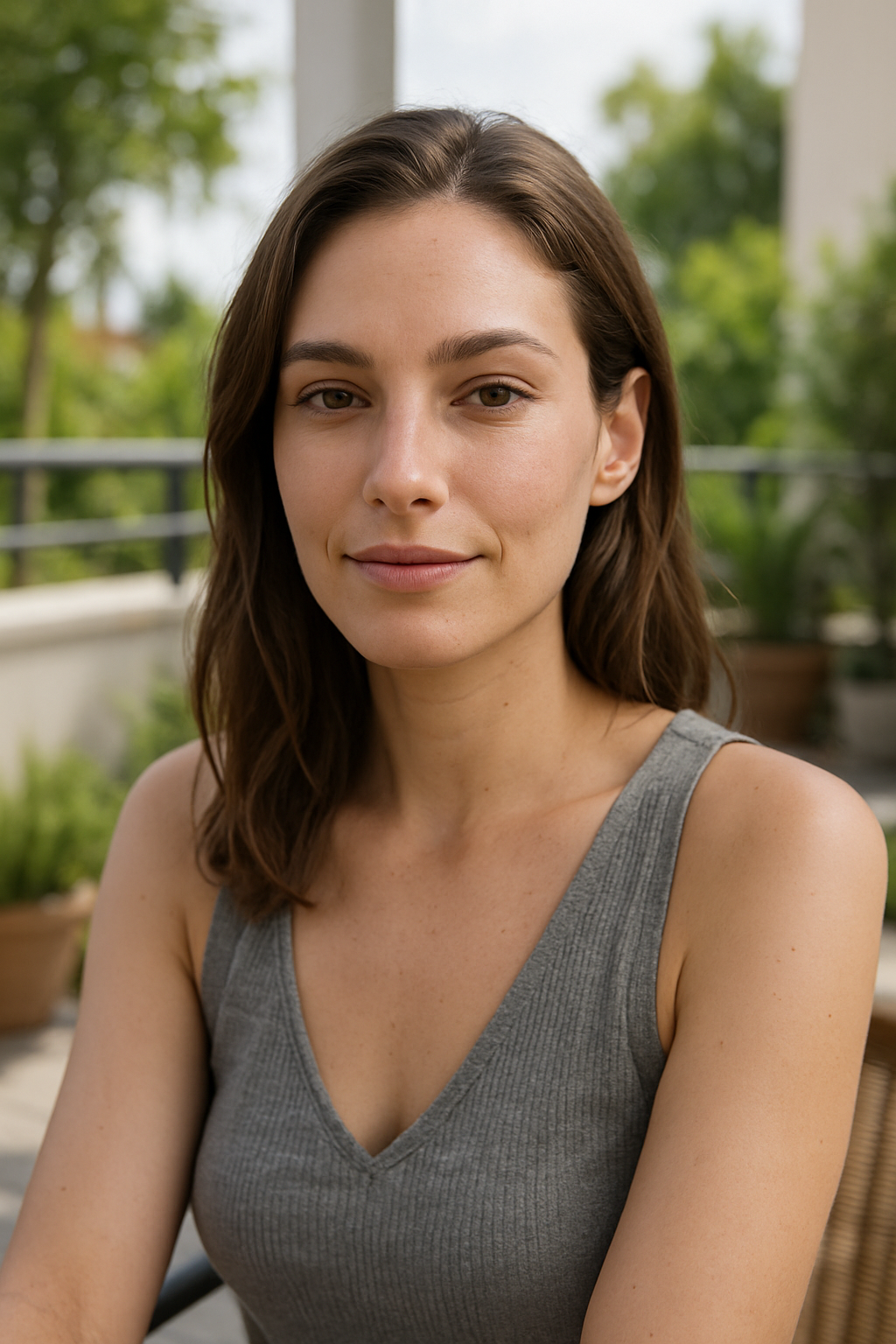
Data from similar platforms shows that a light beauty filter or soft lighting increases the average time spent in a room by 15–25%. But if the filter is too strong and the face looks plastic, trust plummets, and viewers leave quickly. This isn’t just a matter of aesthetics. It’s visual analytics that directly impacts revenue.
Why does it work this way?
A viewer enters, sees the image, and within 5–10 seconds decides whether to stay or leave. A fresh appearance, smooth skin, and soft lighting — the viewer relaxes and is ready to spend. A “blurry” face, unnatural colors, or cheap AR effects immediately create a sense of insincerity.
Filters affect not only attractiveness but also trust. Heavy retouching comes across as deceitful. Subtle enhancements — even skin tone, soft lighting, a touch more brightness — on the other hand, boost the viewer’s confidence. In practice: more time spent in the room, more private chats, and a higher average check.
This is especially critical for newcomers. Some don’t use filters at all and lose out on camera. Others go overboard. Those who find the right balance notice an increase in engagement within the first few weeks.
Main Risks
- Loss of trust. If a viewer feels they’re looking at a “picture” rather than a real person, they’ll leave and not come back.
- Technical issues. Heavy filters slow down the stream, especially on mobile devices.
- The habituation effect. If a model always uses a heavy filter and then appears without it, disappointment is inevitable.
- The false logic that “prettier means better.” An image that’s too perfect can simply turn viewers off.
- Ignoring feedback. Comments like “Are you using a filter?” or “You look unnatural” are already red flags.
How to Analyze the Use of Filters and Effects
Step One: Determine what to test. Beauty filters (skin, tone, lighting), AR effects (ears, crowns, hearts, interactive elements), color correction, background blur. Start with one or two and test them one at a time.
Step Two: A/B test. Run the app for one week without filters, one week with a light beauty filter, and one week with AR elements. Track time spent in the chat room, the number of private messages, average order value, and comments. Platforms with built-in analytics — such as VibraGame — allow you to track these metrics without additional tools.
Step Three: Analyze the feedback. “Beautiful,” “You look natural,” “Too much filter,” “Cool with the ears” — viewers’ comments often say more than the numbers.
Step Four: Look at viewer behavior. If people stay longer and go to private chats more often when you use a filter, it’s working. If they leave faster, remove it. Pay special attention to the first 2–3 minutes: that’s when viewers decide whether to stay.
Step Five: Check your equipment. Some filters put a heavy load on the camera and the stream. A laggy stream won’t be saved even by a beautiful effect. Test it on the device you usually use to stream.
Step Six: Find Your Balance. Most successful streamers stick to a light beauty filter (even skin tone plus soft lighting) and add fun AR elements only for themed shows. Almost no one uses heavy retouching — it undermines credibility.
Pros and Cons of Filters and Effects
Pros
- They improve first impressions.
- They hide minor imperfections: breakouts, signs of fatigue.
- AR effects add interactivity and fun.
- They help you stand out from other models.
Cons
- Heavy retouching undermines trust.
- Lags and loss of stream quality.
- The audience gets used to the “perfect” image and reacts negatively when it’s missing.
- Puts extra strain on your device and internet connection.
Common Mistakes
- Applying heavy filters without testing them first.
- Ignoring viewer feedback.
- Not considering the mobile audience.
- Doing the same thing every day without any changes.
- Forgetting that authenticity is appealing in and of itself.
Comparing Visual Approaches
| Approach | Impact on appeal | Impact on trust | Technical burden | Best for |
|---|---|---|---|---|
| No filters | Average | High | Low | Natural style |
| Light beauty filter | High | High | Low | Most models |
| Heavy retouching | Very high (at first) | Low | Medium | Not recommended |
| AR effects (fun) | High (in themed shows) | Medium | Medium | Interactivity and entertainment |
| Light beauty + AR | Very high | High | Low–Medium | Optimal balance |
Choose what gives you the most with the least risk.
Additional Tips

Lighting is often more important than any filters. Soft light from both sides creates a more vivid image than aggressive post-processing in software.
A separate consideration is the mobile audience. Most viewers watch on their phones, and on a small screen, heavy filters look worse than no filters at all.
Real-life example: One model worked without filters for two weeks, then with a light beauty filter for two weeks. Time spent in the room increased by 22%, and the number of private chats rose by 18%. After that, she started adding fun AR ears to themed shows — retention went up a little more.
FAQ
Should you use filters in adult chat?
Yes, but use light ones. Heavy retouching reduces trust. A light beauty filter plus good lighting almost always yields positive results.
Which level of filtering is better — light or heavy?
Light. It evens out skin tone and removes minor imperfections while maintaining a natural look. A heavy filter looks like a mask and drives viewers away.
Do AR effects influence viewers’ spending?
They can. Fun AR elements — ears, a crown, hearts — work well in themed shows and boost engagement. In regular private chats, it’s better to do without them.
How can you tell if a filter is too strong?
If viewers write “Are you using a filter?” or “You look unnatural,” and the average time spent in the room drops — you’ve gone too far. Listen to the feedback.
Should you change filters depending on the time of day?
You can. During the day, with natural light, you can make the filter lighter. In the evening, when the lighting is dimmer, it’s okay to boost the beauty effect a little.
Should you completely avoid using filters?
Not necessarily. Most successful models use a light beauty filter plus good lighting. You can work without any enhancements only if your skin and lighting are already in good condition.
How often should you change your visual settings?
It’s a good idea to test something new once every 1–2 months. Your audience and trends change, and what worked six months ago might have a different effect now.
Visual analytics isn’t about “pretty or not,” but about how the image on the screen influences viewer behavior and your income. Test, listen to feedback, and find your own balance. Subtle improvements almost always work better than aggressive retouching — a natural look with soft lighting keeps viewers engaged more reliably than any heavy filter.